TL;DR
- Use a simple, single-column layout with standard section headings like "Work Experience," "Education," and "Skills."
- Tailor your resume keywords by extracting relevant skills and terms from each job description.
- Submit your resume as a DOCX or text-based PDF file unless the employer specifies otherwise.
- Avoid tables, graphics, text boxes, and complex formatting that can confuse ATS software.
- Test your resume’s text parsing and reading order to ensure it will be read correctly by applicant tracking systems.
What an ATS-Friendly Resume Actually Needs to Do
Applicant Tracking Systems (ATS) are software tools employers use to collect, sort, and filter resumes before a human recruiter reviews them. Your ATS-friendly resume must be:
- Readable by the ATS: The software scans your resume’s text to identify relevant skills, experience, and qualifications.
- Keyword-optimized: It should include terms from the job description that match your actual experience.
- Structured simply: Complex layouts or graphics can cause parsing errors and cause your resume to be rejected.
- Tailored to each application: Different roles require different keywords and emphasis on skills or achievements.
ATS software does not "read" resumes like humans. Instead, it parses text fields, matches keywords, and ranks candidates accordingly. Using the right format and language increases your chances of passing this automated screening stage.
ATS Resume Format: A Safe, Readable Structure
To ensure your resume is ATS-compatible, follow these formatting guidelines:
- Single-column layout: Avoid multi-column designs or tables that can jumble text order.
- Standard section headings: Use common labels such as “Work Experience,” “Education,” “Skills,” and “Certifications.” Indeed recommends these exact terms to help ATS categorize your information correctly.
- Simple fonts: Use standard fonts like Arial, Calibri, or Times New Roman at 10-12 pt size.
- No graphics or images: ATS cannot interpret visuals and may skip or misread your content.
- Consistent date format: Use a clear month/year format (e.g., Jan 2020 – Dec 2022).
- Contact info in the main body: Place your phone number, email, and LinkedIn URL in the header or top section, not in headers or footers.
This layout ensures that ATS software can parse your resume accurately and rank you fairly against other candidates.
How to Find and Use the Right Job-Description Keywords
Keywords are the skills, tools, certifications, and role-specific terms that ATS looks for when screening resumes. To find and use them effectively:
- Analyze the job description: Identify repeated skills, qualifications, and responsibilities. The University of Texas at Austin Career Services recommends noting frequently mentioned keywords.
- Match keywords truthfully: Use the exact terms when they accurately describe your experience. Avoid keyword stuffing or exaggeration.
- Include acronyms and spelled-out forms: For example, write both “SEO” and “Search Engine Optimization” to cover all keyword variations.
- Incorporate keywords naturally: Use them in your bullet points, summary, and skills section without disrupting readability.
- Tailor your resume for each job: Create versions emphasizing different keywords depending on the role.
This targeted approach improves your chances of passing ATS filters and catching recruiters’ attention.
ATS-Friendly Resume Example: Before-and-After Bullets
Here’s a practical example showing how to tailor a bullet point for ATS:
Before:
- Managed social media accounts and increased engagement.
After (tailored with keywords):
- Managed social media accounts using Hootsuite and Buffer, increasing audience engagement by 30% through targeted content strategies.
The after version includes relevant tools (“Hootsuite,” “Buffer”) and quantifies achievements, making it more ATS- and recruiter-friendly.
File Types, Fonts, Headings, and Formatting to Check
Choosing the right file type and formatting details is essential:
- File format: Follow the employer’s instructions. If none are given, submit DOCX or text-based PDF files. These formats are generally safer for ATS parsing than image-based PDFs or design program files.
- Fonts: Use standard fonts like Arial, Calibri, or Times New Roman. Avoid decorative or script fonts.
- Headings: Use clear, standard headings without special characters or formatting.
- Avoid: Tables, text boxes, graphics, columns, headers/footers for essential info.
- Contact info: Place your phone, email, and LinkedIn in the main body, not in headers or footers.
These practices help ensure your resume is readable by ATS software and human recruiters alike.
How to Test Your Resume’s Text and Reading Order
Before submitting your resume, verify that it parses correctly:
- Copy-paste test: Copy all text from your resume and paste it into a plain text editor (like Notepad). Check for missing or jumbled information.
- Online ATS simulators: Use free tools that simulate ATS parsing to see how your resume is read.
- Check reading order: Ensure bullet points and sections appear in logical order without mixing columns or tables.
- Spell out acronyms: Confirm that both acronyms and full terms appear.
- File preview: Open your saved DOCX or PDF to verify formatting is preserved.
Testing helps catch issues that could cause your resume to be rejected before a human even sees it.
Common ATS Resume Myths—and What Varies by Employer
-
Myth: All ATS systems reject PDFs.
Reality: Many ATS can parse text-based PDFs, but some prefer DOCX. Always follow employer instructions. -
Myth: Keyword stuffing boosts your ranking.
Reality: Overusing keywords can backfire and hurt readability. Use keywords naturally and truthfully. -
Myth: Graphics and tables are always bad.
Reality: Most ATS struggle with these, but some advanced systems handle simple tables. When in doubt, avoid them. -
Myth: One resume fits all jobs.
Reality: Tailoring your resume to each job’s keywords and requirements improves ATS and recruiter impressions. -
Myth: ATS automatically rejects resumes without cover letters.
Reality: ATS software focuses on resumes; cover letters are often read by humans later.
Understanding these nuances helps you create a resume that works well across different ATS platforms and employers.
Final ATS-Friendly Resume Checklist Before You Apply
- [ ] Use a single-column, simple layout with standard section headings.
- [ ] Tailor keywords from the job description honestly and naturally.
- [ ] Submit your resume as DOCX or text-based PDF unless otherwise specified.
- [ ] Avoid tables, graphics, text boxes, and complex formatting.
- [ ] Place contact info in the main body, not headers or footers.
- [ ] Use standard fonts (Arial, Calibri, Times New Roman).
- [ ] Spell out acronyms and include keyword variations.
- [ ] Test your resume’s text parsing and reading order.
- [ ] Quantify achievements where possible.
- [ ] Tailor your resume version for each application.
Following this checklist maximizes your chances of passing ATS filters and landing interviews.
Run it on Parlel
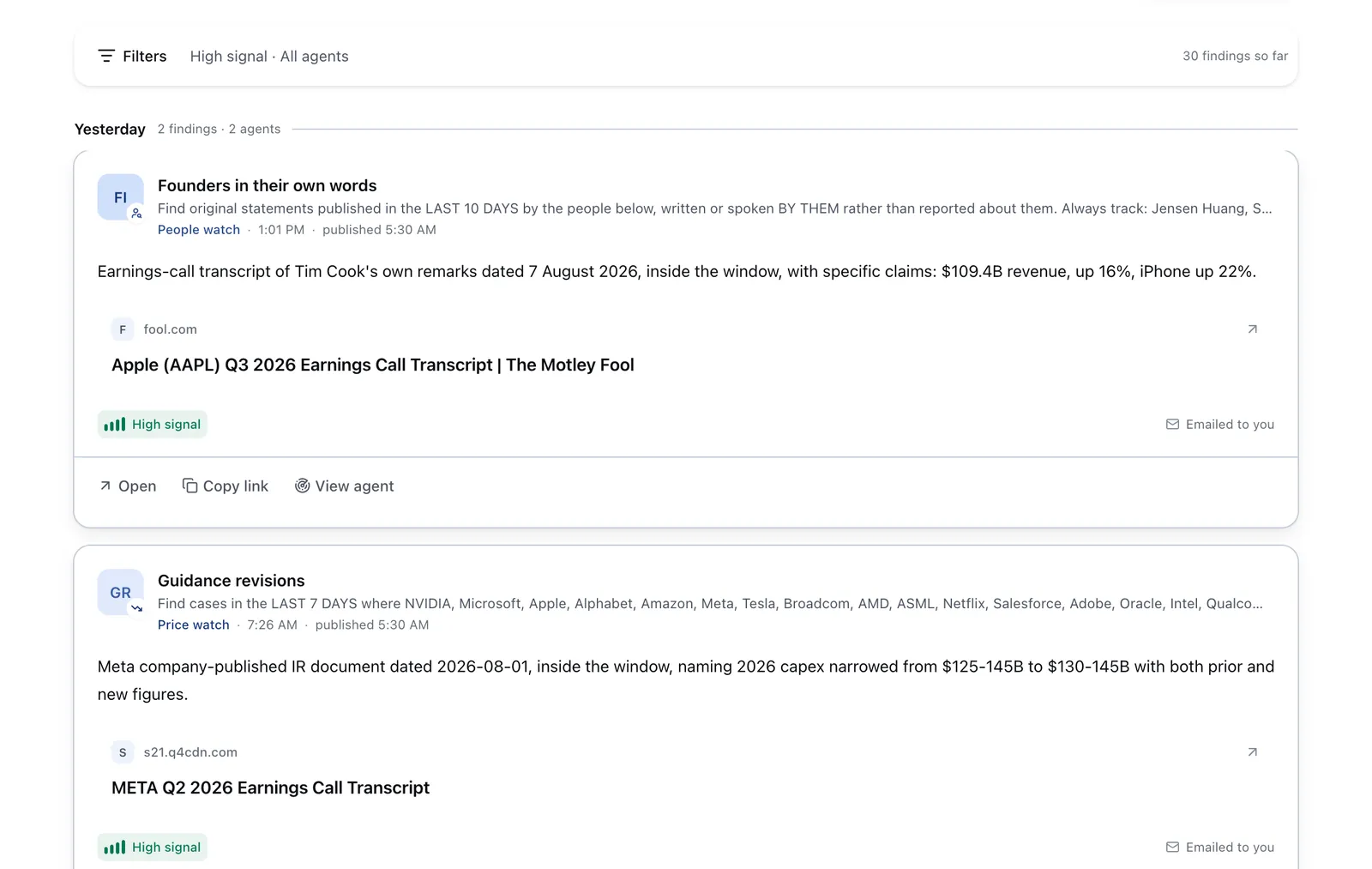
Publish your verified skills on your Parlel profile and set your status to open-to-work. Parlel’s AI agents actively watch for roles matching your skills and notify you of suitable opportunities. You can also run or follow agents that track ATS-friendly resume jobs and related roles. Explore current openings and connect with hiring agents on Explore and Jobs.
This proactive approach helps you get found by recruiters while you focus on applying outbound.
Keep reading
- ATS Resume Template — Download a clean, ATS-optimized resume template.
- Resume for Freshers — How to build your first ATS-friendly resume.
- Resume Keywords — Master keyword research and usage for your resume.
Sources and further reading
- ATS-Friendly Resume: 18 Tips to Pass Applicant Tracking Systems
- How To Write an ATS-Friendly Resume
- How to Optimize Your Application for AI Resume Scanners
- ATS-Friendly Resume Formatting Tips
- Applicant Tracking Systems