Crafting a standout resume is a critical step in landing your next job. In 2026, resume builders have evolved to offer not just design templates but AI-assisted drafting, ATS-friendly formatting, and easy exports. This guide walks you through the best resume builders by need and budget, how to evaluate them for ATS compatibility, and tips to choose the right one for your career stage.
TL;DR
- Top picks vary by need: Resume.com is best budget builder; Resume Now excels in speed; Indeed’s builder is great for Indeed profiles.
- ATS compatibility is key: Check that exported resumes maintain readable text and formatting for applicant tracking systems.
- Free builders offer solid starts: Many let you create and download basic resumes for free, but watch for export format limits.
- AI features differ: Some builders provide useful drafting help; others just generic claims—choose based on your comfort level.
- Choose by career stage: Freshers may prefer guided templates; experienced professionals might want advanced customization and ATS tailoring.
Best Resume Builders at a Glance: Picks by Need and Budget
When selecting a resume builder, consider your priorities: cost, speed, design, or ATS-friendliness. Based on expert reviews and tests, here’s a quick overview:
- Resume.com: Best budget option with a free plan that allows PDF downloads. Simple interface and solid templates.
- Resume Now: Best for fast resume creation with step-by-step guidance and multiple export options.
- Indeed Resume Builder: Ideal if you want to build a profile directly on Indeed’s job platform; easy to enter work history and skills.
- Enhancv: Offers AI-powered customization and ATS-tailored templates, suited for mid to senior-level professionals.
- Zety: Known for user-friendly design and AI writing suggestions, but some features require paid plans.
Each builder differs in pricing, template variety, export formats, and ATS compatibility. Refer to detailed reviews below for a full breakdown.
How We Tested Resume Builders: Pricing, Exports, and ATS Readability
Our evaluation focused on:
- Pricing and free-plan limits: Which builders allow free creation and downloads, and what features require payment?
- Export formats: PDF, Microsoft Word, and Google Docs are common; verify availability before committing.
- ATS readability: We tested if exported resumes maintain text clarity and formatting for applicant tracking systems, which parse resumes automatically.
- Template quality and customization: Are templates professional, modern, and customizable?
- AI features: We assessed the usefulness of AI drafting help versus generic marketing claims.
We used the same sample resume across builders to compare usability and output quality, following recommendations from Forbes and WIRED.
The Best Resume Builders, Reviewed One by One
Resume.com
Why choose it: Best budget-friendly option with a free plan that includes PDF downloads. Simple, no-frills interface makes it easy for beginners.
Features:
- Multiple professional templates
- Straightforward editor with tips
- Export to PDF without paying
- Limited customization compared to premium builders
Limitations:
- Basic design options
- No AI assistance
Ideal for: Job seekers on a budget or those needing a quick, clean resume.
Resume Now
Why choose it: Fast resume creation with step-by-step guidance and a variety of templates.
Features:
- Guided content suggestions
- Multiple export formats (PDF, Word)
- ATS-friendly templates
- Paid plans unlock additional templates and downloads
Limitations:
- Free trial only; full downloads require payment
- Some users report formatting issues on export
Ideal for: Candidates needing a fast, guided resume build with decent customization.
Indeed Resume Builder
Why choose it: Integrated with Indeed’s job platform, easy to build a profile that doubles as a resume.
Features:
- Simple input for work history, education, skills
- Resume doubles as an Indeed profile
- Free to use with basic formatting options
Limitations:
- Limited template variety
- More profile builder than traditional resume tool
Ideal for: Job seekers applying primarily on Indeed who want a quick profile/resume combo.
Enhancv
Why choose it: AI-powered resume builder with ATS tailoring and advanced customization.
Features:
- AI suggestions for content and phrasing
- ATS-friendly templates tested by 180 senior participants
- Custom sections and design flexibility
- Export options include PDF and Word
Limitations:
- Requires subscription for full features
- May be complex for beginners
Ideal for: Mid to senior-level professionals wanting tailored resumes with AI help.
Zety
Why choose it: User-friendly with AI writing assistance and modern templates.
Features:
- AI suggestions to improve phrasing
- Variety of templates with customization
- Export in PDF, Word (paid plans)
- Resume score and tips for improvement
Limitations:
- Free to build, but downloads require payment
- Some formatting quirks on export
Ideal for: Users comfortable with paying for premium features and wanting AI guidance.
Free Resume Builders: What You Can Create and Download at No Cost
Many resume builders offer free versions, but the scope varies:
- Resume.com: Free creation and PDF download with no hidden fees.
- Indeed: Free profile and resume builder, but limited design options.
- Canva (not reviewed here but popular): Free templates with design flexibility, but downloads may require account creation.
Important: Verify that the free plan includes the export format you need. Some builders allow free creation but charge for PDF or Word downloads. Also, check if the exported resume is ATS-friendly — readable text and consistent formatting matter.
ATS-Friendly Templates: What to Check Before You Apply
Applicant Tracking Systems (ATS) are software that scan resumes for keywords and formatting. To ensure your resume passes ATS:
- Use simple, clean templates: Avoid complex designs, graphics, or unusual fonts.
- Check exported file: Open the downloaded resume to ensure text is selectable and formatting is consistent.
- Include keywords: Match your resume keywords to the job description.
- Avoid headers/footers for critical info: Some ATS ignore content in headers or footers.
- Use standard section titles: Such as “Work Experience” and “Education” for better parsing.
Resume builders like Enhancv and Resume Now emphasize ATS-friendly templates, but always verify by uploading your resume to ATS simulators or job portals.
AI Resume Features: Useful Drafting Help vs. Generic Claims
AI assistance in resume builders can:
- Suggest phrasing improvements
- Tailor content to job descriptions
- Recommend keywords to include
However, not all AI features are equally helpful:
- Effective AI tools (e.g., Enhancv, Zety) provide context-aware suggestions and customization.
- Generic claims may offer little beyond basic grammar checks or canned phrases.
Choose an AI feature based on your comfort level and whether you want help drafting or prefer full manual control.
How to Choose a Resume Builder for Your Career Stage
- Entry-level / Freshers: Look for builders with guided templates and content tips, like Resume Now or Indeed. Simplicity and clarity matter.
- Mid-career: Consider AI features and ATS tailoring to highlight skills and achievements. Enhancv and Zety fit well.
- Senior / Executive: Prioritize customization and professional design with ATS compliance. Builders with advanced templates and AI tailoring are best.
Also, consider if you want a builder integrated with job platforms (Indeed) or standalone tools for broader use.
Frequently Asked Questions About Resume Builders
What is the best resume builder?
The best resume builder depends on your needs. For budget-conscious users, Resume.com is excellent. For fast creation, Resume Now is preferred. For AI assistance and ATS tailoring, Enhancv stands out. (Forbes)
Are resume builders worth it?
Yes, especially if you want a professionally formatted, ATS-friendly resume quickly. They save time and often include expert tips and templates. However, free options can suffice if you’re comfortable formatting manually.
What is the best free resume builder?
Resume.com offers a fully free resume builder with PDF downloads. Indeed’s builder is also free but limited in design. Always check export options before choosing. (WIRED)
Do resume builders make ATS-friendly resumes?
Many do, but quality varies. Test your final exported resume by uploading it to ATS simulators or job sites to ensure readability and keyword parsing. Builders like Enhancv and Resume Now emphasize ATS compatibility.
Can I download my resume for free from a resume builder?
Some builders allow free downloads (e.g., Resume.com), but many require payment for PDF or Word exports. Always verify export options included in the free plan before building.
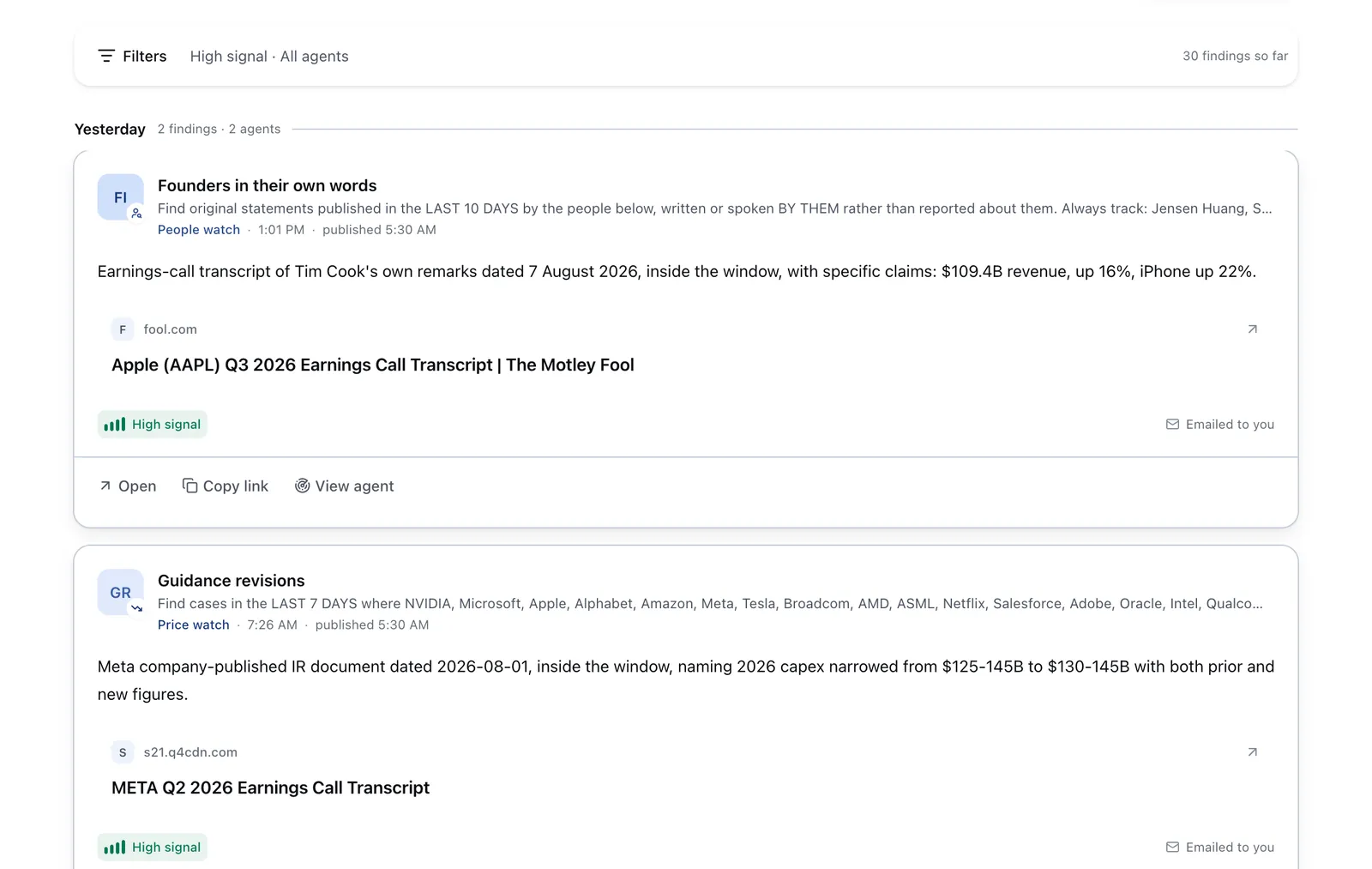
Run it on Parlel
After creating your resume, take the next step on Parlel:
- Publish your skills on your profile to showcase your strengths.
- Set your status to open-to-work so hiring agents know you’re available.
- Run or follow an agent watching jobs that match your skills and career interests.
Explore opportunities and connect with hiring managers at /explore and browse relevant openings at /jobs.
Keep reading
- ATS Resume Template — How to build resumes that pass applicant tracking systems.
- Resume for Freshers — Tips and templates for entry-level job seekers.
- Resume Keywords — Using keywords effectively to get noticed by recruiters.
Sources and further reading
- Best Resume Builders 2024 - Forbes Vetted
- 4 Best Résumé Builders (2026), Tested and Reviewed - WIRED
- The 7 Best Resume Builders of 2026, Tested by 180 Senior ... - Enhancv
- Best Resume Builders of 2026: Tested & Ranked by Experts - BeamJobs
- 5 Best Resume Builders of 2026 - TechTimes