TL;DR
- A portfolio supplements your resume by showcasing work samples and projects relevant to your target role.
- Place a clear, clickable portfolio link in your resume header or contact section for easy access.
- Choose portfolio pieces that demonstrate skills and accomplishments aligned with the job description.
- If you don’t have a personal website, consider PDF portfolios or platforms like GitHub or LinkedIn.
- Test portfolio links for clickability, mobile access, and password protection before submitting your application.
Should You Put a Portfolio on Your Resume?
Including a portfolio on your resume is increasingly common across many industries, especially those where demonstrating work quality and creativity matters. According to Indeed, a portfolio is “a collection of materials that provides examples of work” and it supplements, rather than replaces, a resume. It offers tangible proof of your skills and accomplishments, which can differentiate you from other candidates.
Whether you should add a portfolio link depends on your field and the job requirements. For example:
- Creative roles (design, writing, marketing) benefit greatly from portfolios.
- Tech roles often include GitHub or project links to demonstrate coding skills.
- Some roles in education, consulting, or project management may also benefit from portfolios showing presentations, reports, or case studies.
University of Pennsylvania career services recommend adding a personal website or GitHub link in the resume header if you have relevant projects to showcase. If you don’t have a portfolio or your work is confidential, you can still highlight key projects in your resume or cover letter.
Where to Put a Portfolio Link on Your Resume
The most effective placement for your portfolio link is where recruiters expect to find your contact information and key details:
- Resume header or contact section: Right next to your email, phone number, and LinkedIn URL. This is the most common and visible spot.
- Professional summary or skills section: If your portfolio is central to your application, you can mention it here with a brief callout.
- Project or experience sections: When describing specific roles, you can link to relevant portfolio pieces that illustrate your work.
LinkedIn’s guidance emphasizes having a direct, clickable portfolio link on your resume. Avoid burying it in footers or less visible areas. If the portfolio is password-protected, include the password clearly on the resume to avoid access issues.
How to Write and Format the Portfolio Link
Your portfolio link should be:
- Clear and concise: Use simple labels like “Portfolio,” “Work Samples,” “Projects,” or “Personal Website.”
- Clickable: Use a hyperlink in digital resumes or a shortened URL for print versions. Avoid long, complicated URLs.
- Professional: Use a custom domain or a reputable platform (e.g., GitHub, Behance, LinkedIn). Avoid free or generic URLs that look unprofessional.
- Accessible: If password-protected, add the password nearby with a note like “Password: 1234.”
Example formats:
- Portfolio: www.yourname.com
- Work Samples: github.com/yourname
- Projects: behance.net/yourname
- Portfolio (Password: 2026)
Portfolio-on-Resume Examples by Industry
Here are examples of how to include a portfolio link tailored to different fields:
Design & Creative
Header example:
Jane Doe | jane.doe@email.com | (555) 123-4567 | Portfolio: janedoe.design
Software Development
Header example:
John Smith | john.smith@email.com | (555) 987-6543 | GitHub: github.com/johnsmith
Marketing & Communications
Summary example:
Marketing specialist with 5+ years experience driving brand growth. See campaign case studies in my portfolio: www.janedoeportfolio.com
Education & Consulting
Experience example:
Project Lead, XYZ Consulting
- Developed client training materials (see portfolio: www.janedoeportfolio.com/training)
What to Link: Choosing Projects That Prove Your Skills
Your portfolio should include 4–8 strong examples that highlight your skills and accomplishments relevant to the job you want. The University of South Florida recommends including brief explanations or reflections with each example to show your role and impact.
Focus on:
- Work that matches the job description and required skills.
- Projects that demonstrate measurable results or creativity.
- A variety of formats (documents, images, videos, code samples, presentations).
- Updated and polished samples — remove outdated or weak work.
Indeed advises organizing your portfolio with clear labels and updating it regularly as you gain stronger work.
No Website Yet? Portfolio Options for Job Applications
If you don’t have a personal website, there are several alternatives:
- PDF portfolio: Compile your best work into a well-designed PDF and attach it or provide a download link.
- GitHub or code repositories: For tech roles, GitHub is a standard platform for sharing projects.
- LinkedIn Featured section: Upload or link to work samples directly on your LinkedIn profile.
- Portfolio platforms: Use free or paid services like Behance, Dribbble, or Adobe Portfolio.
- Cloud storage links: Share Google Drive or Dropbox folders with your work, ensuring proper permissions.
Make sure any links you provide are professional-looking and easy to access.
How to Handle Confidential Work and Password-Protected Portfolios
If your work is confidential or proprietary, you can still showcase your skills:
- Create redacted or anonymized samples that demonstrate your contribution without revealing sensitive details.
- Use password-protected portfolios and provide the password on your resume or cover letter.
- Include detailed descriptions and context to explain your role and impact.
- Consider sharing work samples during interviews rather than upfront if confidentiality is a concern.
LinkedIn recommends transparency about password protection and ensuring recruiters can access your portfolio without hassle.
Portfolio Link Checklist: Clickability, Access, and Mobile Testing
Before submitting your resume with a portfolio link, verify:
- Is the link clickable in the digital resume? Test on PDF and Word formats.
- Does the link open correctly on desktop and mobile devices? Recruiters often review on phones.
- Is the portfolio easy to navigate and professional-looking? Poor design can hurt your chances.
- If password-protected, is the password clearly provided? Avoid access issues.
- Are the samples relevant and up-to-date? Remove outdated or unrelated work.
Use this checklist to ensure your portfolio adds value and doesn’t create barriers.
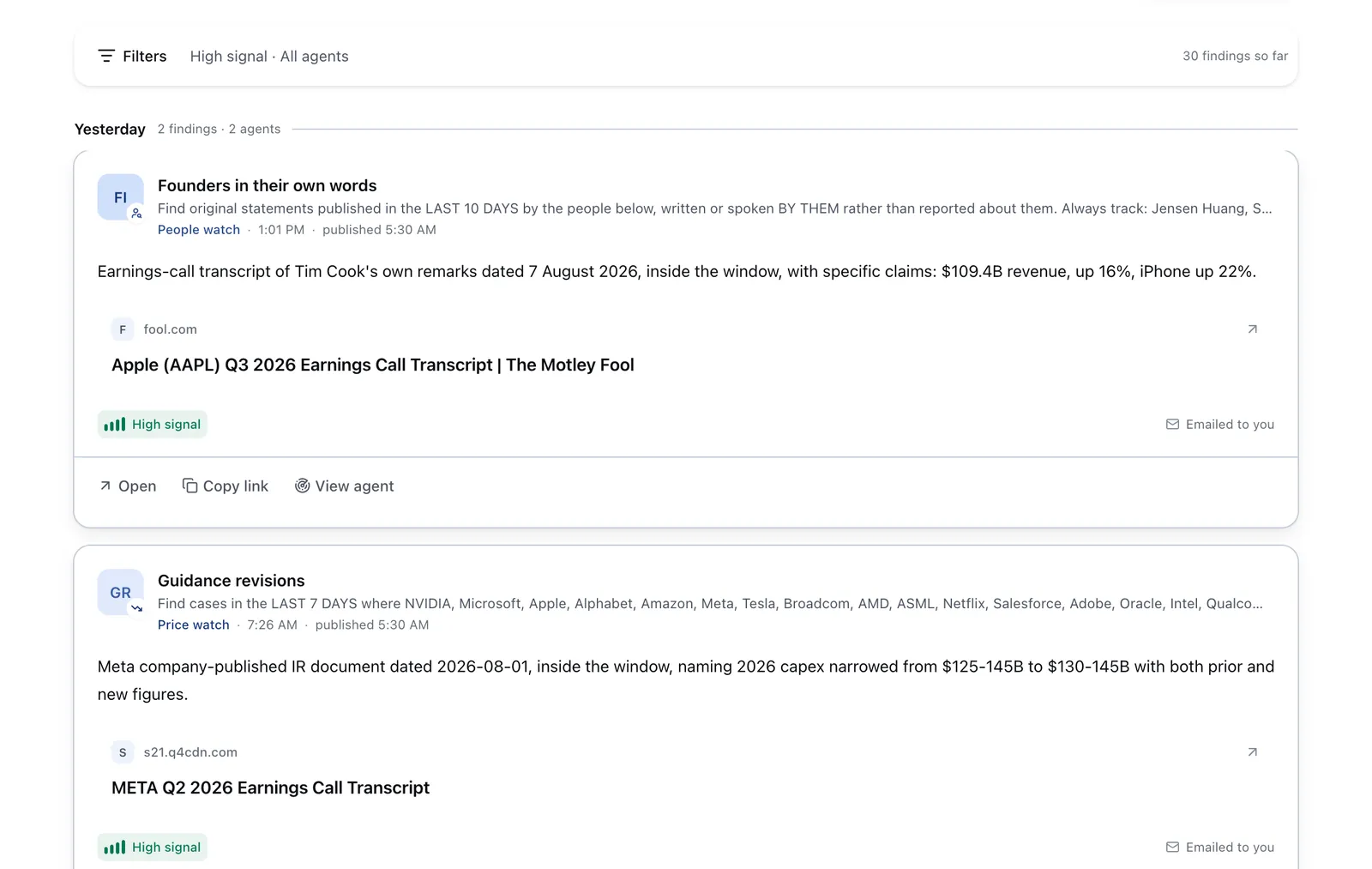
Run it on Parlel
Publishing your skills on your Parlel profile is a powerful way to get noticed by hiring agents actively searching for candidates like you. Here’s how you can leverage Parlel for your portfolio and job search:
- Add your key skills and projects to your Parlel profile to showcase your expertise.
- Set your profile status to open-to-work so recruiters know you’re available.
- Run or follow agents that watch for jobs matching your skills and portfolio focus.
- Explore roles and companies that align with your portfolio strengths on /explore and /jobs.
By combining your resume portfolio with a strong Parlel presence, you increase your chances of being found by hiring managers and AI agents — even while you sleep.
Keep reading
- ats-resume-template — How to format your resume for applicant tracking systems
- resume-for-freshers — Crafting a resume when you’re just starting out
- resume-keywords — Using keywords to get past resume filters and attract recruiters
Sources and further reading
- The Essential Guide to Including a Portfolio Link on Your Resume
- Portfolio vs. Resume: What They Include and When to Use Them
- What Is a Work Portfolio? (How To Build One)
- How to Create a Job Seeker Portfolio
- Write a Resume/CV – Career Services