CRM data enrichment means adding or updating useful business information in existing records: job title, industry, company size, employee count, domain, contact path, or other fields used for segmentation, routing, scoring, and reporting. It is not a one-time cleanup project. It is a controlled write-back process with permissions, source history, and a way to handle disagreement.
TL;DR
- Match a record, retrieve approved fields, validate them, then write only what your CRM rules allow.
- New-record automation and ongoing refresh are separate patterns. HubSpot documents both automatic and continuous enrichment, with configuration and permission requirements.
- Matchable identifiers matter. HubSpot’s documentation says contact enrichment requires a business email and company enrichment requires a domain; personal email may not qualify.
- Do not present a universal 60-day cadence or 2–3% decay claim as fact. Segment-based refresh is safer: measure field-change rate, bounce rate, duplicates, and cost.
- Include lawful basis, notice, provenance, retention, suppression, and deletion in the workflow.
How the workflow works
| Stage | Action | Failure state |
|---|---|---|
| Identify | Choose a new or stale record | Missing identifier |
| Match | Use business email, domain, or approved key | No match or multiple matches |
| Retrieve | Request only approved fields | Source conflict |
| Validate | Check field quality, date, and confidence | Generic inbox or stale value |
| Review | Apply overwrite and consent rules | Manual edit should be preserved |
| Write back | Update CRM with source and timestamp | Duplicate or permission error |
| Route | Score, assign, nurture, or suppress | No owner or illegal use |
HubSpot says enrichment is off by default and requires customer action and appropriate permissions. Automatic enrichment generally fills blanks; continuous enrichment may update previously enriched values, while manually edited fields may not continue to refresh depending on configuration. Treat those settings as product behaviour to verify, not as a generic property of every tool.
Tool-selection rubric
Compare tools on the fields your team will actually use:
- Match coverage for your countries and company sizes.
- Field accuracy and confidence or verification signals.
- CRM integrations and write-back controls.
- Overwrite protection for human-edited fields.
- Refresh automation and change history.
- Duplicate handling and error queues.
- Permissions, retention, provenance, and privacy terms.
- Total cost per accepted record, including seats, API, credits, and failed matches.
A waterfall is one implementation pattern, not a universally superior method. It may help when one provider misses a field, but it can also multiply cost and complicate source rights. Start with one source and add a fallback only when the measured gap matters.
New records and existing records
For a new inbound lead, require a business-email or domain match, enrich approved firmographics, validate the contact route, and assign an owner. If there is no match, keep the record with an explicit status rather than filling it with a guess.
For an existing account, refresh high-value or frequently changing segments first. Compare old and new values before overwriting. A title change may trigger reassignment; a headcount change may alter segmentation; a domain change may require a duplicate review. Do not erase the prior value if your CRM or audit policy needs history.
Measure the cadence instead of assuming one. Track match rate, field-change rate, bounce rate, duplicate rate, manual-review rate, suppression errors, and cost per accepted record. Refresh the segment more often only when the change rate or business risk justifies it.
Choose fields before choosing a provider
Enrichment becomes expensive when a team starts with every available field. Define the decision each field supports and the minimum evidence needed.
| Field | Decision it supports | Safer acceptance rule |
|---|---|---|
| Current title | Owner routing or account reassignment | Current source plus observation date |
| Company domain | Matching and deduplication | Canonical domain reviewed for subsidiaries |
| Employee range | Segmentation | Provider value labelled with source and date |
| Work email | Approved contact route | Named person, current employer, independent status |
| Technology clue | Research angle | Evidence sentence, not a bare vendor flag |
If a field does not change routing, reporting, research, or a customer-facing decision, leave it out of the first pilot. A smaller schema is easier to review, cheaper to refresh, and less likely to create an accidental new processing purpose.
Illustrative new-lead and refresh paths
Illustrative example, not a measured result: An inbound lead arrives with a business email and company domain. The workflow matches the domain, fills approved firmographics, checks whether the contact is already suppressed, and routes the record to an owner. It cannot match the person confidently, so it keeps the original lead and marks needs_review rather than inventing a title.
For an existing account, a public company page shows a new VP while the CRM contains a manually entered director. The enrichment job stores the observation and routes a conflict to the owner. It does not overwrite the director, because a human edit may represent a relationship or historical responsibility that the external source cannot see. Once reviewed, the owner can update the current title while preserving the activity history.
The important output is not a filled record. It is a record whose accepted values, rejected values, conflicts, and missing identifiers can each be explained.
Refresh by risk, not habit
There is no universal refresh schedule. Segment by how quickly the field changes and what an error costs. A high-value account with an active opportunity may justify a review after a public leadership change. A low-priority account with stable firmographics may wait for a trigger. A contact used for automated sending needs stricter address and suppression checks than a company record used only for reporting.
Run a pilot with a fixed schema and compare the old and new values. Measure field-change rate, current-employer accuracy, duplicate rate, bounce or invalid rate, manual-review minutes, suppression errors, and cost per accepted record. If a more frequent refresh does not change a decision, it is activity rather than freshness.
Country, role, and privacy branches
Country changes matching quality and governance. India may require handling of local entity names, CTC and notice-period fields, and vendors storing data outside the country. EU and UK workflows should document purpose, lawful basis, notice, objection, deletion, retention, and transfers. US workflows still need suppression, source discipline, and applicable anti-spam controls. Ask the provider how a deletion request moves through cached exports and downstream syncs.
Role changes the risk of an overwrite. A recruiter may use a job change as a useful research trigger, while an account owner may need to preserve the former contact for historical activity. A generic inbox should not be promoted to a named contact. A personal email should not be treated as an approved business identifier simply because it matches a person.
Give the exception queue an owner and a service level. no_match, conflict, duplicate, protected_manual_edit, stale_consent, and suppressed need different resolutions. The queue is where data quality becomes an operating process rather than a vendor promise.
Data cleansing rules
Normalize domains before matching. Merge duplicates while preserving activity. Keep source and observation date on each enriched field where possible. Route generic inboxes separately. Suppress invalid addresses and honour deletion or opt-out requests rather than re-enriching them back into the active system.
Set an owner for the exception queue. “No match,” “conflicting sources,” “manually protected,” “stale consent,” and “duplicate” are not the same state. A weekly review of those states is more useful than a quarterly promise that the CRM is clean.
Example: if a public company page shows a new VP while the CRM contains a manually entered director, do not silently overwrite the contact. Store the new observation, route the conflict to the account owner, and retain the old value if it is needed for activity history.
Privacy and compliance
Enrichment sends record identifiers to a provider and receives business information back. Review the provider’s role, data sources, retention, subprocessors, geographic storage, permitted use, and deletion process. Document lawful basis and notice requirements for the markets you serve. Maintain suppression lists and ensure an opt-out cannot be overwritten by a later sync. For India, the EU, the UK, and other regulated markets, get jurisdiction-specific advice rather than assuming a work email is unregulated.
The crm data enrichment operating standard
This guide is written for a reader who needs to use crm data enrichment in a real workflow, not merely understand the definition. The dependable version starts with the decision that must be made, names the evidence available today, and keeps the next step small enough to complete. That is the editorial standard used throughout this guide and across the Parlel library: practical guidance should help a founder, operator, candidate, or freelancer act without hiding uncertainty behind confident language.
Decide what success means before you start
Write the result in one sentence: “After this exercise, I will know whether , and the next action will be .” For crm data enrichment, that sentence prevents the most common failure mode — doing more research after the useful question has already been answered. If the work concerns a person, company, role, client, or vendor, record the source and date as you go. If it concerns a template or message, define the recipient, context, and desired response before polishing the wording.
Use a small fixture rather than an abstract example. Pick three to five real records, situations, or drafts and run the method end to end. Keep one case that should succeed, one ambiguous case, and one case that should be rejected. That mix exposes whether the process can distinguish a useful signal from a convenient story. It also gives you material for a later review without pretending that a tiny sample is a benchmark.
Make the work explainable to another person
A high-quality result should survive a handoff. Another person should be able to see what was known at the time, which assumptions were made, what action was taken, and what would change the decision. For this topic, preserve the original input alongside the conclusion. Keep a short “why now” note, the owner, the due date, and the stop condition. This makes crm data enrichment useful in an agency-style operating system: the work is repeatable without becoming mechanical, and a reviewer can improve it without rewriting the whole process.
Quality-control pass before you ship
- Intent: Does the page answer the query implied by its title in the first screen?
- Evidence: Are current facts linked to a source, date, or clearly labeled assumption?
- Specificity: Could a reader use the checklist, script, table, or example immediately?
- Boundaries: Does the guide say when the method is a poor fit or should stop?
- Next action: Is there one useful action rather than a pile of competing calls to action?
Those checks matter more than adding another paragraph of general advice. They also protect search quality: the page earns attention by resolving the reader's problem, not by repeating crm data enrichment unnaturally. If the evidence is thin, say so and explain how to improve it. If the answer changes by country, role, plan, or company size, make that branch visible instead of burying it in a footnote.
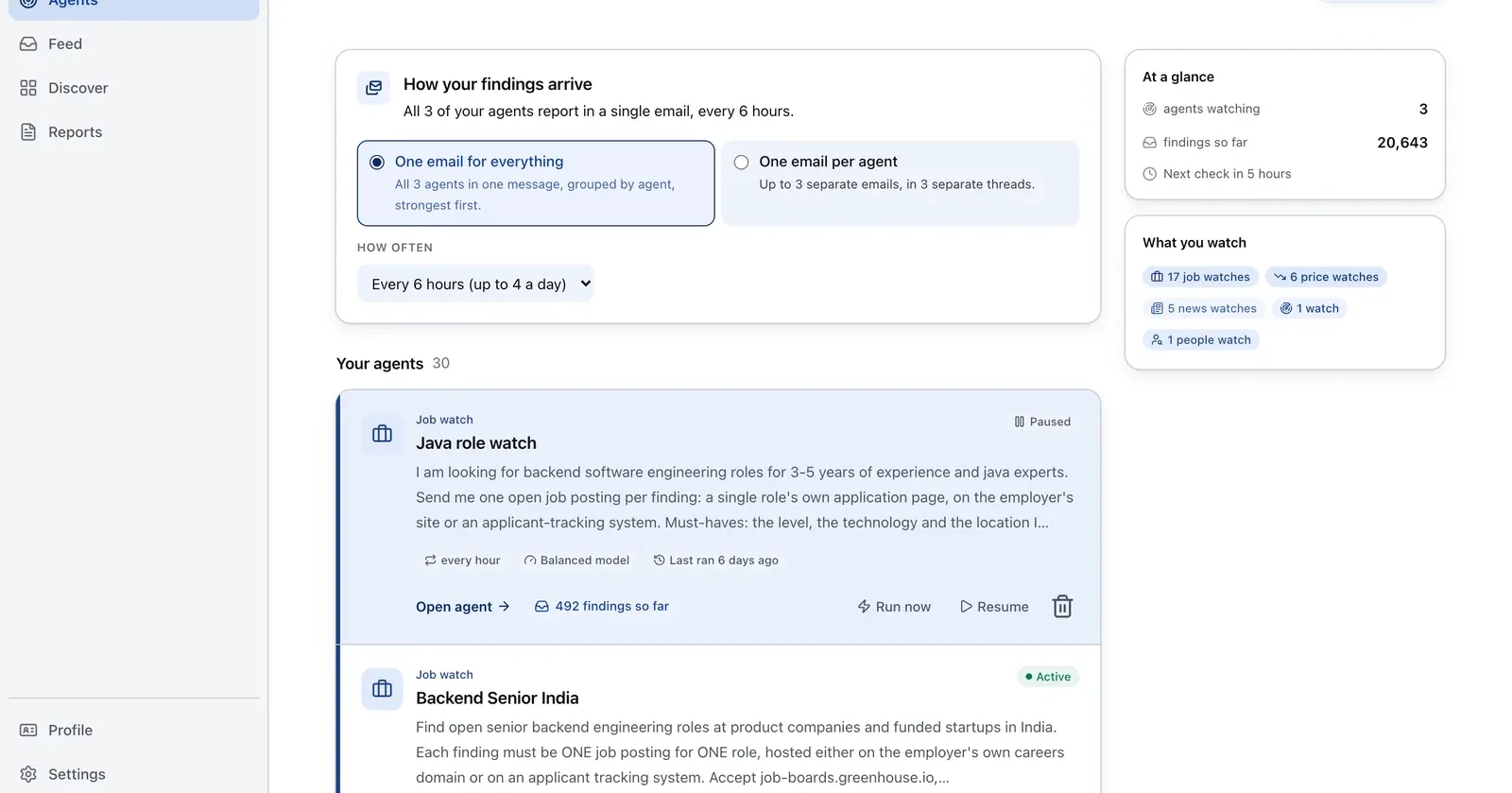
Run it on Parlel
Use Parlel as a trigger for deciding which accounts need a CRM review, not as permission to overwrite a record.
watch: account_change
filters: open_opportunities, tier_a_targets
signals: new_role, leadership_change, role_closed
digest: friday_09:00_utc
fields: account, public_signal, crm_action, owner, review_status
Digest: an account, a dated public change, and a suggested review action such as re-check title, reassess owner, or pause a stale sequence. Open explore hiring signals, compare the signal with your CRM, and approve every write-back through your rules.
Keep reading
Continue the workflow with three closely related guides: - free email verifier - technographic data - sales pipeline template
Frequently asked questions
What is CRM data enrichment?
Adding or updating business information in existing CRM records so segmentation, routing, scoring, outreach, and reporting use more complete data.
How does an enrichment workflow work?
Identify a record, match it with an approved identifier, retrieve selected fields, validate them, apply overwrite and privacy rules, and write the result back with source and timestamp.
Should enrichment happen once or continuously?
Both. Enrich new records on entry and refresh existing records according to measured segment risk. Continuous refresh is useful only when permissions, overwrite rules, and source terms are clear.
Which records can be enriched?
Records with enough identifiers for a reliable match. Some products require a business email for contacts and a company domain for companies. Personal email may not qualify.
How should a startup choose a tool?
Compare match coverage, field accuracy, integrations, overwrite controls, refresh automation, duplicates, permissions, privacy terms, and total cost. Pilot with real records and inspect exceptions, not just successful matches.