A sales pipeline template should show what a deal is, who owns it, what evidence exists, and what happens next. Stage names are only labels. The useful part is the entry and exit rule that stops a deal from sitting in “almost ready” forever.
The copy-ready fields and stage table below are a starting point for Google Sheets, Excel, Notion, or a CRM import. Duplicate the structure, then remove any stage or field your buying process cannot observe. A shorter honest pipeline is better than a detailed one nobody updates.
TL;DR
- Sales Pipeline Template is a lean sales operations guide: use it to make one decision, not to collect generic advice.
- Start with the smallest useful version: a next action, an owner, and a system the team will actually maintain; add complexity only when the evidence requires it.
- Treat every claim as either an observation, an estimate, or a hypothesis; do not present a signal as proof.
- Before you publish or act, check the workflow under real records, not a feature list or a polished demo.
- The practical outcome is a dated next step, a clear owner, and a reason to stop or revisit the decision.
Copy-ready deal fields
Company, Contact, Owner, Stage, Value, Expected close date, Probability, Next step, Follow-up date, Last activity, Days in stage, Blocker, Lost reason, Notes
Use these fields in a spreadsheet or map them into HubSpot, Pipedrive, Attio, or another CRM. The spreadsheet CRM template includes a compatible table.
Suggested CSV header:
company,contact,owner,stage,value,expected_close,probability,next_step,follow_up_date,last_activity,days_in_stage,blocker,lost_reason,notes
Example row:
Acme,Jane Smith,Priya,Qualified,5000,2026-11-15,,Confirm technical reviewer,2026-10-02,2026-09-29,,Security questionnaire,,Hiring two growth roles; budget not confirmed
A flexible seven-stage example
| Stage | Purpose | Evidence to exit |
|---|---|---|
| New | Account or lead is unworked | Personalized first touch sent |
| Qualified | A plausible problem and fit exist | Buyer, problem, and next conversation identified |
| Meeting | Discovery is scheduled or complete | Problem, decision path, and timing recorded |
| Proposal | Commercial approach is being evaluated | Proposal reviewed with the buyer |
| Negotiation | Terms or procurement are active | Signature path and decision date recorded |
| Closed won | Agreement is signed | Handoff and first-value owner recorded |
| Closed lost | Opportunity is not moving | Reason and recycle date recorded |
This is an example, not a universal startup standard. Inbound SaaS may need a trial stage. Enterprise work may need security review. A service business may use scope approval instead of proposal. Add a stage only when it represents a real buyer event and has its own exit evidence.
For each stage, define the required update before a deal can advance: a named person, a buyer problem, a scheduled event, a reviewed commercial scope, or a confirmed signature path. Internal preparation such as “research complete” belongs in a task, not in the buyer-facing stage.
Weekly pipeline routine
Monday: sort open deals by overdue follow-up and days in stage. Advance, re-date with a reason, or close each stale row. Wednesday: add or qualify new opportunities. Friday: review expected close dates, blockers, and the few deals that require a specific next action. Monthly: calculate conversion between stages and investigate the largest leak. Do not claim a universal conversion rate or a guaranteed improvement; your own data should set the baseline.
Forecasting without false certainty
Weighted value is deal value x probability. Use probabilities as temporary assumptions until you have enough history. Track opportunity count and value by stage, stage-to-stage conversion, time in stage, close-date accuracy, win/loss reasons, and stale deals. A weighted number is a planning aid, not a promise that the pipeline will close.
For a spreadsheet, =E2*G2 works when Value is column E and Probability is a decimal in column G. Leave Probability blank if the team has no defensible assumption. A blank is more honest than copying a default percentage from another company.
Review questions for every stage
At the weekly review, ask: What buyer evidence put this deal here? What must happen before it advances? Who owns that action? When will it happen? What would make us close or recycle it? If the answer is “we are waiting,” add what the team is waiting for and a date to revisit it. A pipeline full of undated waiting deals is not a forecast.
For a founder-led process, one owner may do qualification, discovery, proposal, and handoff. For a team process, assign the commercial owner and technical or delivery owner separately when both must act. Keep the number of required fields small enough that the update happens immediately after the buyer event.
Handoff fields
Closed-won is not the end of the record. Add a handoff owner, agreed outcome, start date, scope reference, billing contact, and first-value action when delivery or customer success takes over. If the sale is lost, record the reason and a recycle date only when a future event genuinely changes the fit.
Customize for three motions
Founder-led outbound: New, Qualified, Meeting, Proposal, Won/Lost. Keep notes detailed and require a named next step.
Inbound SaaS: New, Qualified, Demo, Trial, Commercial review, Won/Lost. Require product usage or a scheduled evaluation before advancing.
Enterprise: New, Qualified, Discovery, Solution fit, Security/procurement, Negotiation, Won/Lost. Assign owners for technical and commercial work separately if needed.
Who should not use this template
Do not copy the seven stages if your buying process has no evidence for them. Do not use weighted forecasting when values or close dates are guesses nobody updates. Do not create a stage for an internal task such as “deck ready” or “research complete.” Put those in tasks inside a buyer-facing stage.
Copy the template into the tool you already use
The CSV header is intentionally flat so it can be pasted into Google Sheets, Excel, Notion, or a CRM import. Add dropdown values for Stage and Owner. Use ISO dates if a system is importing the file. Keep Probability blank until the team can explain the assumption behind a value; a blank field makes uncertainty visible.
| Field | Required for open deals? | Why it earns a place |
|---|---|---|
| Company and Contact | Yes | Identifies the account and person |
| Owner | Yes | Makes the next action accountable |
| Stage | Yes | Groups opportunities by evidence |
| Value and close date | Usually | Supports planning when maintained |
| Next step and follow-up date | Yes | Converts status into work |
| Last activity and days in stage | Useful | Exposes stale records |
| Blocker and lost reason | When applicable | Preserves learning and context |
| Notes | Yes, but concise | Records evidence and decisions |
Do not make every column required. If the team must fill ten fields before recording a buyer conversation, updates will be delayed or invented. Require the information needed for the next decision and add the rest when it has a clear use.
Entry and exit rules in practice
“Qualified” should not mean “someone replied.” It might require a plausible problem, a relevant buyer, and an agreed next conversation. “Proposal” should not mean “we sent a PDF.” It might require that the buyer reviewed the commercial scope and identified the decision path. Your organization can choose different evidence, but it should be observable and repeatable.
Illustrative example: a hiring signal places Acme in New. After a personalized message, it remains New until a relevant person engages. During discovery, the team records that Acme is hiring two growth roles, that the buyer owns the gap, and that a technical reviewer will join the next call. Only then does it move to Qualified or Meeting, depending on the team's definitions. The signal starts research; it does not prove fit or intent.
Forecast views that stay honest
Create separate views for open count, open value, expected close by month, and closed outcomes. Do not combine them into one “forecast” number without naming the calculation. A weighted total is useful only when probability is a documented assumption. Review close-date changes and time in stage alongside the total. If opportunities repeatedly move to the next month, the problem may be qualification or date discipline rather than a missing formula.
At the end of a quarter, compare the template's predictions with actual outcomes, but avoid declaring a benchmark from a small sample. Recalibrate stage assumptions using your own history when enough history exists. Until then, use categories such as uncommitted, likely, and committed only if the team defines them.
Handoff and recycle checklist
For closed won, capture the agreed outcome, delivery owner, start date, scope reference, billing contact, and first-value action. For closed lost, capture a reason and a recycle date only when a concrete future event changes the situation. For stalled work, name what is pending and who will revisit it. “Waiting” without a date is an inactive deal disguised as a stage.
Before moving the template into software, export a clean sample and test imports for dates, currency, owners, commas in notes, and closed-stage behavior. Preserve a source ID while validating. After cutover, choose one system of record and make the old file read-only.
The sales pipeline template operating standard
This guide is written for a reader who needs to use sales pipeline template in a real workflow, not merely understand the definition. The dependable version starts with the decision that must be made, names the evidence available today, and keeps the next step small enough to complete. That is the editorial standard used throughout this guide and across the Parlel library: practical guidance should help a founder, operator, candidate, or freelancer act without hiding uncertainty behind confident language.
Decide what success means before you start
Write the result in one sentence: “After this exercise, I will know whether , and the next action will be .” For sales pipeline template, that sentence prevents the most common failure mode — doing more research after the useful question has already been answered. If the work concerns a person, company, role, client, or vendor, record the source and date as you go. If it concerns a template or message, define the recipient, context, and desired response before polishing the wording.
Use a small fixture rather than an abstract example. Pick three to five real records, situations, or drafts and run the method end to end. Keep one case that should succeed, one ambiguous case, and one case that should be rejected. That mix exposes whether the process can distinguish a useful signal from a convenient story. It also gives you material for a later review without pretending that a tiny sample is a benchmark.
Make the work explainable to another person
A high-quality result should survive a handoff. Another person should be able to see what was known at the time, which assumptions were made, what action was taken, and what would change the decision. For this topic, preserve the original input alongside the conclusion. Keep a short “why now” note, the owner, the due date, and the stop condition. This makes sales pipeline template useful in an agency-style operating system: the work is repeatable without becoming mechanical, and a reviewer can improve it without rewriting the whole process.
Quality-control pass before you ship
- Intent: Does the page answer the query implied by its title in the first screen?
- Evidence: Are current facts linked to a source, date, or clearly labeled assumption?
- Specificity: Could a reader use the checklist, script, table, or example immediately?
- Boundaries: Does the guide say when the method is a poor fit or should stop?
- Next action: Is there one useful action rather than a pile of competing calls to action?
Those checks matter more than adding another paragraph of general advice. They also protect search quality: the page earns attention by resolving the reader's problem, not by repeating sales pipeline template unnaturally. If the evidence is thin, say so and explain how to improve it. If the answer changes by country, role, plan, or company size, make that branch visible instead of burying it in a footnote.
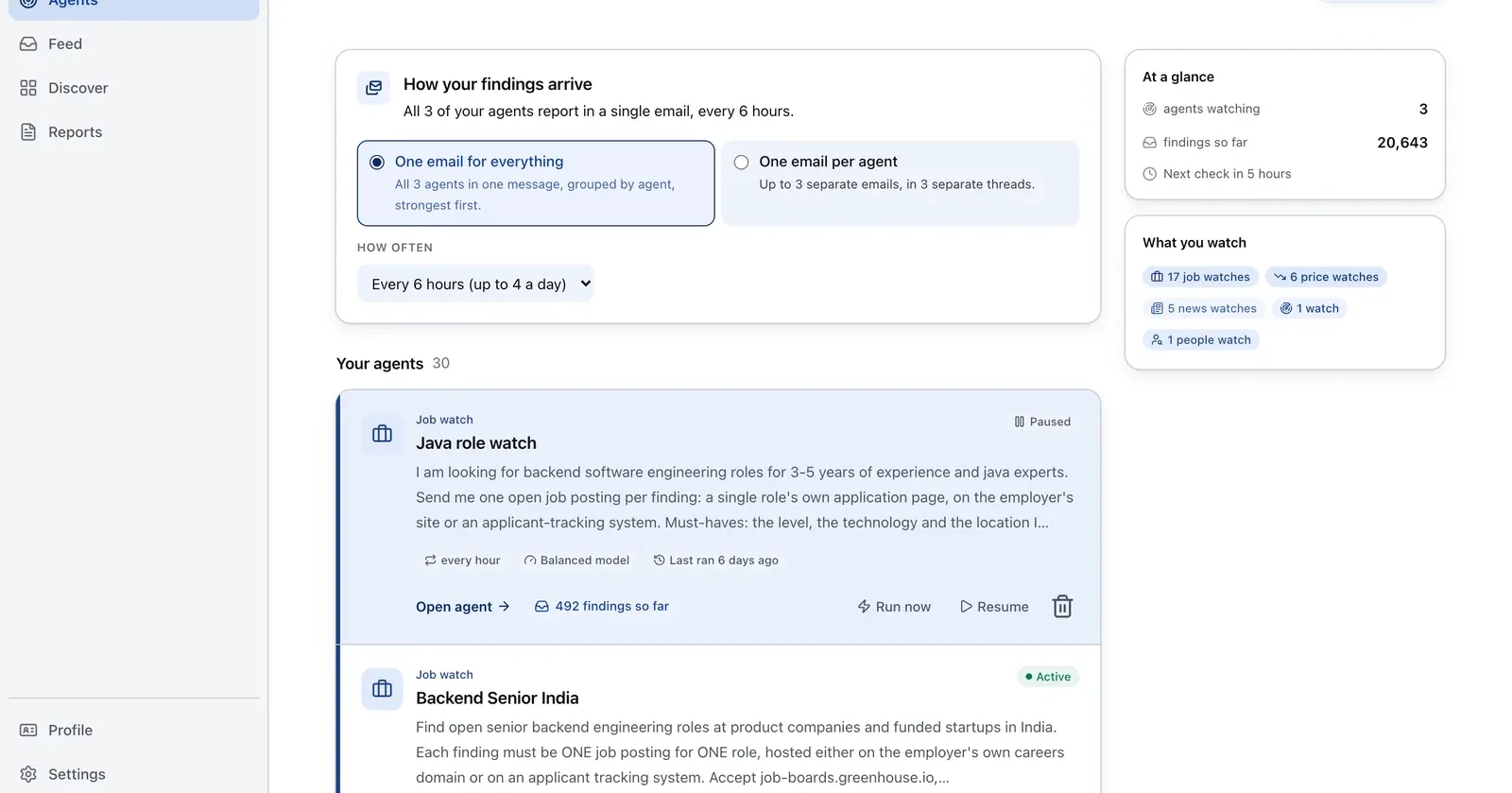
Run it on Parlel
Use hiring and company signals as one source for the New stage, then require human qualification before advancing.
{"agent":"pipeline-new-stage-watch","schedule":"weekly","filters":{"hiring":true,"size":"11-200"},"digest":{"fields":["company","open_roles","stage_fit","trigger_event","suggested_action"],"deliver":"pipeline_digest"}}
Digest: account, trigger, stage fit, and suggested action. Build the watch in Parlel Explore.
Keep reading
Continue the workflow with three closely related guides: - free crm - best crm for startups - outbound sales strategy
FAQs
How many stages should a pipeline have?
Use the fewest stages that represent meaningful buyer evidence. Five to seven is a useful starting range, not a rule.
What is the difference between a sales cycle and a pipeline stage?
The sales cycle describes the buyer journey. A pipeline stage records observable evidence about where an opportunity is.
Should every stage have a probability?
Only if the team understands that it is an assumption. Replace defaults with historical conversion as data accumulates.