There is no single best CRM for startups. A founder selling through introductions needs different software from a five-person outbound team or a company with several sales processes and a dedicated operations hire. The practical shortlist is HubSpot for a constrained free start, Pipedrive for a focused deal pipeline, Attio for relationship-led work, Zoho for budget-sensitive teams, Close for outbound-heavy calling, and Salesforce when customization and governance are explicit requirements.
Start with the motion, not the vendor. Ask whether the first job is remembering relationships, moving named opportunities, coordinating calls and email, or governing a multi-team process. A startup can outgrow a free plan without outgrowing its process, and it can buy a sophisticated CRM without having a process to put in it.
Vendor pages and pricing materials were checked September 26, 2026. Where a product's price or limit changes by region, seat count, billing term, or qualification, this guide says so instead of inventing a single monthly number.
TL;DR
- Best Crm For Startups is a lean sales operations guide: use it to make one decision, not to collect generic advice.
- Start with the smallest useful version: a next action, an owner, and a system the team will actually maintain; add complexity only when the evidence requires it.
- Treat every claim as either an observation, an estimate, or a hypothesis; do not present a signal as proof.
- Before you publish or act, check the workflow under real records, not a feature list or a polished demo.
- The practical outcome is a dated next step, a clear owner, and a reason to stop or revisit the decision.
Shortlist
| CRM | Good fit | What to verify | Verdict |
|---|---|---|---|
| HubSpot | Founder plus one collaborator needing breadth | Free plan: up to 2 users and 1,000 contacts | Constrained free start |
| Pipedrive | Reps working a clear deal process | Regional price, add-ons, billing term | Focused pipeline fit |
| Attio | Relationship-led selling | Free usage and enrichment limits | Flexible small-team fit |
| Zoho CRM | Budget-sensitive teams | Edition matrix, taxes, setup effort | Budget-led option |
| Close | Phone and email outbound | Calling allowances and plan scope | Outbound-specific option |
| Salesforce | Defined customization and governance | Edition, implementation, admin owner | Requirement-led choice |
| Spreadsheet | Process discovery | Reminders, ownership, reporting gaps | Temporary system |
Which CRM should a startup choose?
HubSpot when breadth matters
Current HubSpot materials describe free access for up to two users and 1,000 contacts, with no expiration and no credit card required. It includes core contact management and deal pipelines. It is not unlimited free CRM: additional users, marketing contacts, sequences, automation, and reporting can change the economics. Choose it if you want sales, marketing, meetings, and service concepts in one ecosystem and can live within those limits.
Pipedrive when the problem is deal follow-through
Pipedrive is built around visual deal stages, activities, and next actions. It has no permanent free tier, but its official product information describes a 14-day trial. Current official pricing has conflicting figures across pages and regions, so use the live pricing page and checkout for your quote. Choose it when a team will pay from the start and wants a narrow sales workspace. Read the Pipedrive review for plan caveats.
Attio when relationships are the sales motion
Attio's flexible data model can suit a founder who tracks companies, people, introductions, and context before a conventional opportunity exists. Its free plan is aimed at up to three seats and has limits on email and enrichment. Its startup program advertises 80% off the annual Pro plan for qualifying venture-backed companies, with eligibility restrictions. Treat that as a conditional offer, not normal pricing.
Zoho when budget beats interface
Zoho says its free edition supports three users and includes core CRM features, workflows, reports, import/export, and mobile apps. It can work for a small team with an owner who will configure it. It is a poor answer if onboarding friction is already the bottleneck.
Close when outbound is mostly calls and email
Close is worth evaluating when calling, SMS, and email activity need to live beside deals. Compare the whole workflow, including phone numbers, recording, automation, and export, rather than a single seat price.
Salesforce only for defined complexity
Salesforce becomes rational when the business needs custom objects, strict permissions, multiple entities, complex integrations, or formal governance. Team size alone is not evidence. If nobody can name the requirement Salesforce solves, use a lighter tool.
A task-based test instead of a feature score
Use ten real opportunities and ask each finalist to support the same five tasks: capture a lead, create a company and contact, schedule the next activity, move the deal with a required note, and export the record. Then test a second user completing the same flow. Record friction in plain language. Do not call this a hands-on ranking unless you actually ran it and can publish the setup, dates, participants, and records used.
Also delete or archive a test record and confirm what remains in activity history. Ask the person who will administer the workspace to build one view and change one required field. A founder may tolerate setup that a first sales hire will avoid. This is a practical fit check, not a score or benchmark.
Cost comparison without fake precision
Price at current headcount and expected headcount. Include seats, annual versus monthly billing, required automation, contact or usage charges, onboarding, calling, enrichment, and tax. HubSpot's free plan may be $0 but still fail at two users. Pipedrive may look simple but add-ons and seats matter. Attio's startup discount may not be available to every company. Salesforce may carry implementation cost beyond the license.
Create one row for the current team and one for the team expected in six months. Record seats, included contacts, required add-ons, billing term, tax, and the first feature that forces an upgrade. If a vendor only quotes after a call, record “custom quote” rather than filling the blank with a third-party starting price.
When a spreadsheet is the right answer
The spreadsheet CRM template is appropriate while you are deciding what “qualified” means. It lets you define stages, required fields, next actions, and lost reasons. Graduate when reminders, permissions, shared editing, duplicate control, activity history, or reporting become recurring manual work. Do not use a free CRM to avoid defining those rules.
Who should not use this shortlist
Do not choose from this list if you need regulated data controls, a service desk, complex partner attribution, or a large implementation program. Those require a separate evaluation. Also avoid buying Salesforce because an advisor says you will need it someday, or buying a cheap CRM without pricing the tier that contains your actual workflow.
Do not use this guide as a substitute for an ICP, stage definitions, or ownership rules. If the team cannot explain what turns a lead into a qualified opportunity, changing tools will mostly move the ambiguity into a new interface.
Decision table by sales motion
| If your next six months look like this | Start by testing | Why | Do not overbuy |
|---|---|---|---|
| Founder-led introductions and account context | Attio or a spreadsheet | Relationships and notes come before a formal funnel | Complex forecasting |
| Two people managing a simple opportunity board | HubSpot or Pipedrive | Contacts, deals, owners, and next actions are central | A broad suite you will not maintain |
| Three budget-conscious users with a configurable process | Zoho CRM | The free edition and workflow features may fit | A tool chosen only for polish |
| Reps spend most of the day calling and emailing | Close | Communication activity belongs beside deals | A marketing platform as a call console |
| Several teams, objects, and permission rules | Salesforce | Customization and governance are explicit requirements | Salesforce without an admin owner |
The table is a starting route, not a ranking. A startup can move between rows as its motion changes. A founder-led business that begins with introductions may need a conventional pipeline after repeatable qualification exists. An outbound team may discover that the real constraint is list quality, not call logging. Revisit the job before adding another product.
The ten-seat thought experiment
Many startup CRM decisions are made at today's headcount and fail at the next hiring round. Price the same workflow at current users and at the team you reasonably expect to have in six months. Do not fill in a number when the vendor requires a quote. Record “custom quote,” then list the assumptions that must be answered.
| Cost question | Current team | Next team |
|---|---|---|
| Active users | Who edits records today? | Who will need ownership and visibility? |
| Contacts or records | What is actively worked? | What grows with the motion? |
| Required automation | Which one task must be automatic? | What new routing or sequence is likely? |
| Integrations | What is already connected? | What must be connected after hiring? |
| Administration | Who maintains fields and views? | Is that still a founder job? |
Illustrative example: a two-person founder team can fit a free plan, but the intended three-person sales process cannot. The meaningful comparison is not “free versus paid.” It is the cost and effort of moving from two owners to three while preserving activity history and permissions. If the team cannot state which feature changes at that point, it is too early to optimize the license.
A 30-day rollout
During days 1 to 3, define the minimum schema: company, person, owner, source, stage, next action, next-action date, and a note. During week one, load only active opportunities and agree on entry and exit evidence for each stage. In week two, connect the minimum email or calendar integration and inspect duplicate behavior. In week three, review stalled deals and remove fields nobody uses. At the end of week four, compare actual use with the original requirements.
Keep a short decision log. Note why the team chose the tool, which plan was priced, which workaround is temporary, and what event triggers a review. This prevents a future operator from mistaking a temporary free-plan compromise for a permanent architecture decision.
What to migrate first
Bring active deals, current contacts, company associations, owners, next actions, and recent context first. Archive or leave behind stale leads that have no next action. Before migration, export the old data, create a field map, preserve an external identifier, and test five representative records. After import, ask a user who did not build the mapping to find an account, update its stage, schedule its next action, and export it. If they cannot, the migration is not finished.
A startup CRM rollout that does not become a side project
Day one is for the minimum schema: company, person, owner, stage, source, value if relevant, next action, next-action date, and notes. Do not recreate every historical field before anyone has used the pipeline. Import a small active set, agree on stage exit evidence, and schedule one weekly review.
During the first week, watch for three failure modes. If reps update a record only after a manager asks, the required fields may be too many or the workflow may be outside the CRM. If every deal is “qualified,” the stage rule is too vague. If the team creates duplicate companies, define the search and ownership convention before adding more automation. These are operating problems that no shortlist can solve for you.
At the end of the first month, compare the original buying requirements with actual use. Keep the CRM if it makes ownership and next actions clearer. Change the schema if a field is never used. Change tools only when the current product cannot support a requirement that the team has already demonstrated it needs.
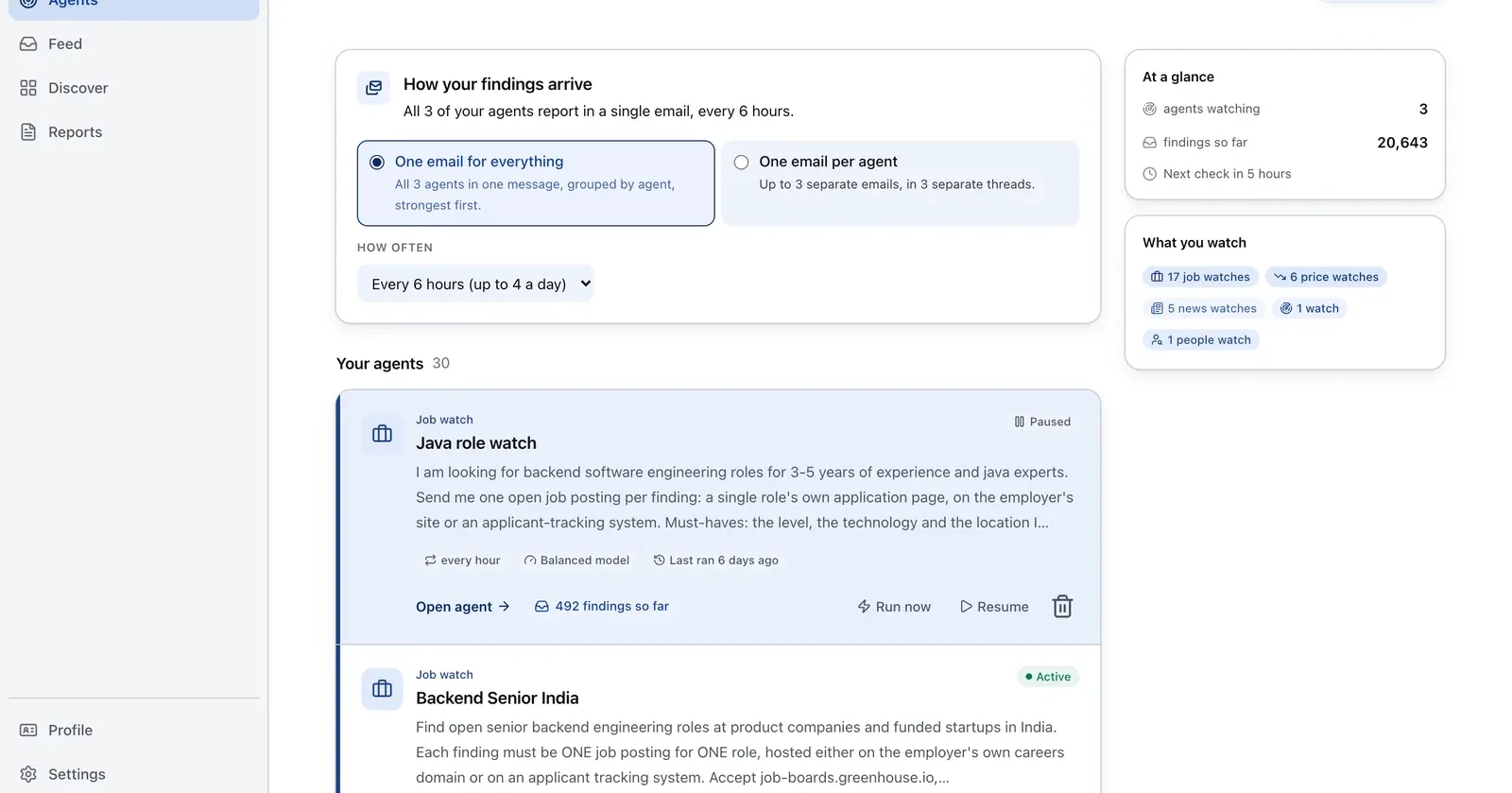
Run it on Parlel
Create a small account set tied to visible hiring signals, then test that list in two CRM finalists. The digest supplies context for the first deal record.
{"agent":"startup-crm-shortlist","schedule":"weekly","filters":{"hiring":true,"size":"11-200","industry":"your_wedge"},"digest":{"fields":["company","size","open_roles","pain_hypothesis"],"deliver":"crm_trial_csv"}}
Digest: company, size, open roles, and one evidence-based pain hypothesis. Build the list in Parlel Explore.
Keep reading
Continue the workflow with three closely related guides: - free crm - sales pipeline template - clay vs apollo
FAQs
What is the best free CRM for a startup?
HubSpot is a broad option if two users and 1,000 contacts are enough. Zoho supports up to three users in its advertised free edition. Attio is another fit for very small relationship-led teams.
Is Pipedrive easy to use?
Its visual pipeline and activity model are designed for straightforward sales work. Ease depends on your stages, data quality, and onboarding. Trial it with real deals.
Is Salesforce overkill for a startup?
Often, but not automatically. Choose it when customization, governance, or integration requirements justify the administrative work.
Should a startup start with a spreadsheet?
Yes, when the sales process is still changing and the team does not need automated reminders or permissions.