Pipedrive is a sales CRM organized around deals, stages, and next activities. That focus is its main advantage and its main boundary. It can be a sensible choice for a small team with a defined sales process, but it is not a free CRM, a full marketing platform, or an automatic answer to poor qualification.
The useful question is not “is Pipedrive good?” It is “will a rep reliably record the next buyer-facing action here, and does the plan include the work around that action?” This review answers that question without pretending to be a hands-on scorecard.
This review uses official product and pricing material checked September 26, 2026. Pipedrive's pages and third-party listings show conflicting plan figures, so the live regional pricing page should be treated as the source of truth.
TL;DR
- Pipedrive Review is a lean sales operations guide: use it to make one decision, not to collect generic advice.
- Start with the smallest useful version: a next action, an owner, and a system the team will actually maintain; add complexity only when the evidence requires it.
- Treat every claim as either an observation, an estimate, or a hypothesis; do not present a signal as proof.
- Before you publish or act, check the workflow under real records, not a feature list or a polished demo.
- The practical outcome is a dated next step, a clear owner, and a reason to stop or revisit the decision.
Verdict
Choose Pipedrive if reps need a clear visual pipeline, activity ownership, and a short path from lead to next step. Skip it if budget is zero, marketing automation is central, or the business needs custom objects and enterprise governance. Pipedrive describes a 14-day free trial and no permanent free version.
Pricing: what to check
Pipedrive sells per seat with monthly and annual billing. The official pricing page currently displays a starting figure of $32.50 per seat per month billed annually, while other official and third-party pages show different plan names or figures. Region, VAT, billing term, add-ons, and product packaging can change the total.
| Cost item | Why it matters |
|---|---|
| Seats | Every rep, admin, and sometimes viewer can affect the bill |
| Billing term | Annual and monthly rates differ; confirm cancellation terms |
| Automation tier | Workflow and email features may require a higher plan |
| Add-ons | Lead generation, enrichment, projects, or campaigns may be separate |
| Tax and region | VAT and local checkout prices can change the displayed total |
| Calling | Number, minutes, recording, and marketplace apps may add cost |
For a worked budget, price three seats and five seats under both billing terms. Label the result with currency, region, date, and the exact plan. A made-up universal monthly figure is less useful than a method you can reproduce.
Example budget worksheet
This is a worksheet, not a quote. For three seats, write 3 x displayed per-seat rate x billing periods, then add required add-ons, tax, and any calling or enrichment charges. Repeat for five seats and for monthly billing. Do not multiply an annual-billing rate by one month and call that the monthly price. The checkout page for your region is the final check.
What Pipedrive does well
The pipeline view makes stage, owner, value, and next activity visible together. A rep can create a deal, schedule a follow-up, move it after a real buyer event, and review overdue work without opening a broad suite. That is a good fit for agency sales, B2B SaaS opportunities, recruiting placements, and other staged motions.
Email and calendar sync with Google Workspace and Microsoft 365 are important because automatic activity capture reduces manual logging. Pipedrive's Marketplace describes hundreds of apps; official pages have used both 400+ and 500+ language, so “hundreds of marketplace apps” is the safer current description. Marketplace listings are not all equivalent native integrations.
What it does not solve
Pipedrive does not define a sales process for you. If “qualified” means different things to different reps, a clean board only makes the disagreement easier to see. It also has thinner marketing and service breadth than an all-in-one customer platform. Reporting and automation depth depend on plan, and total cost grows with seats and add-ons.
The focused interface can expose weak process design quickly. If every deal has a different definition of qualified or no dated next action, the board will look tidy while the underlying work remains uncertain. Configure the minimum fields first, then add automation only after the team can maintain the manual path.
Task test: use real deals
During the trial, run five tasks: import a contact and company, create a deal, schedule the next activity, automate one permitted follow-up, and report conversion or value by stage. Then export the record and inspect whether your fields and activity history survive. Test a second user and a mobile workflow if those matter to your team. This is a review method, not a claim that every team will experience the same result.
Pipedrive vs HubSpot
Pipedrive is execution-first; HubSpot is broader. HubSpot has a free foundational tier for up to two users and 1,000 contacts, while Pipedrive begins with a trial rather than a permanent free plan. Pipedrive may be the better fit when pipeline use is the constraint. HubSpot may be better when marketing, meetings, tickets, and shared customer data belong in one ecosystem. Compare the exact paid tiers, not “free HubSpot” against a paid Pipedrive plan.
Who should buy Pipedrive
Buy it when the team has named stages, one owner per deal, a dated next action, and budget for seats from the start. It is especially reasonable when marketing lives elsewhere and salespeople need a focused daily workspace.
Before buying, run a short pilot with current opportunities, not a polished demo account. The decision should state which plan contains the needed email, automation, reporting, and integration features, and which add-ons are optional. If that sentence cannot be written, the purchase is premature.
A practical trial plan
Use the trial to answer five questions in order:
- Can a rep create a company, person, and deal without duplicate records?
- Can the team state why a deal entered its current stage?
- Can an owner see overdue and upcoming activities without a custom report?
- Can the required email, calendar, automation, and integration features run on the plan being priced?
- Can an administrator export the same record with its important fields and activity context?
Write down the answer and the plan name for each question. A “yes” that depends on an add-on or a higher tier is not a free capability. Also test a lost deal: record the lost reason, close it, search for it, and confirm that reporting distinguishes it from an open opportunity.
Pipedrive compared with a spreadsheet
A spreadsheet remains reasonable when one person owns a small process and the team needs to discover stages. Pipedrive becomes more defensible when activities, permissions, email history, duplicate control, or shared views create repeated manual work. The transition is not about a magic number of deals. It is about whether structured execution exceeds the subscription and administration cost.
One final caution: activity capture is not the same as useful activity. A synced email can prove that a message existed, but it does not prove that the buyer agreed to a next step. Keep a human-written outcome and dated action on important deals. That is the discipline the product can support, not a result the product creates automatically.
The same principle applies to reporting. A stage chart can show where records sit, but it cannot explain why buyers stopped responding. Require a lost reason and review it alongside time in stage. That turns the CRM into a learning record rather than a decorative board.
Who should not buy Pipedrive
Do not buy it if you need a zero-cost CRM, complex marketing journeys, extensive service management, regulated governance, or custom data objects. Do not buy it to avoid writing the sales pipeline template; the stage contract still belongs to your team.
Plan-and-workflow fit
The plan question is more useful than asking whether Pipedrive has a feature somewhere in the product. Write the task, then identify the plan and add-on that make it available.
| Workflow | What to confirm before purchase | Failure mode |
|---|---|---|
| Email follow-up | Sync direction, tracking, templates, and limits | Reps keep logging manually |
| Activity management | Calendar sync, recurring activities, and ownership | Board looks current while tasks are missed |
| Automation | Trigger, action, plan level, and volume | A demo workflow is not available in the quote |
| Forecasting | Stage, value, close date, and reporting depth | Weighted totals look precise but are stale |
| Data movement | Export format, fields, associations, and permissions | You cannot reconcile a failed import |
| Add-on workflow | Lead generation, enrichment, campaigns, or projects | The simple per-seat price understates total cost |
Use the answer to build a purchase sentence: “We need plan X for Y seats, plus add-on Z, because the team must perform task A.” If the sentence depends on a feature page rather than the checkout or plan comparison, flag it for confirmation. A clean interface cannot compensate for a missing permission, export, or automation requirement.
Illustrative total-cost worksheet
This is a method, not a quote. Create four rows for three seats monthly, three seats annual, five seats monthly, and five seats annual. For each row, enter the displayed regional per-seat rate, billing period, taxes, and required add-ons. Add a separate line for calling, enrichment, campaigns, or marketplace services. Record the date and currency beside every number.
Do not compare a discounted annual rate with a monthly checkout total as if they were equivalent. Note the cash commitment, renewal treatment, cancellation terms, and whether the number is VAT-exclusive. If an add-on is optional today but likely next quarter, show it as a scenario rather than silently adding it to the base price.
Illustrative example: a three-person consultancy needs a deal board, calendar sync, and one export each month. Its first quote may be materially different from a five-person outbound team that also needs automation and enrichment. The important result is not a universal “Pipedrive costs X”; it is a documented range with the assumptions a buyer can verify.
Trial exit criteria
At the end of the 14-day trial, each evaluator should answer the same questions:
- Did the five test records retain their company and contact relationships?
- Can an owner find overdue and upcoming actions in one view?
- Can a manager distinguish active, won, lost, and recycled opportunities?
- Does the quoted plan support the required email, calendar, automation, and report tasks?
- Can an administrator export a readable record without privileged help?
Keep screenshots or notes for the answer, but do not turn an informal pilot into a claimed benchmark. If one task fails, state whether the cause is configuration, training, a missing plan feature, or a mismatch with the team's process. That diagnosis is more useful than a star rating.
Migration from a spreadsheet
Clean the sheet before importing. Normalize domains, split contact names only when useful, remove duplicate opportunities, map stage values, and make the next action explicit. Keep a stable source ID in a temporary field so you can reconcile the imported file. Import active work first, then validate ownership and dates with the person who will use the pipeline every day. Archive the old sheet once the cutover rule is clear; two live systems invite conflicting updates.
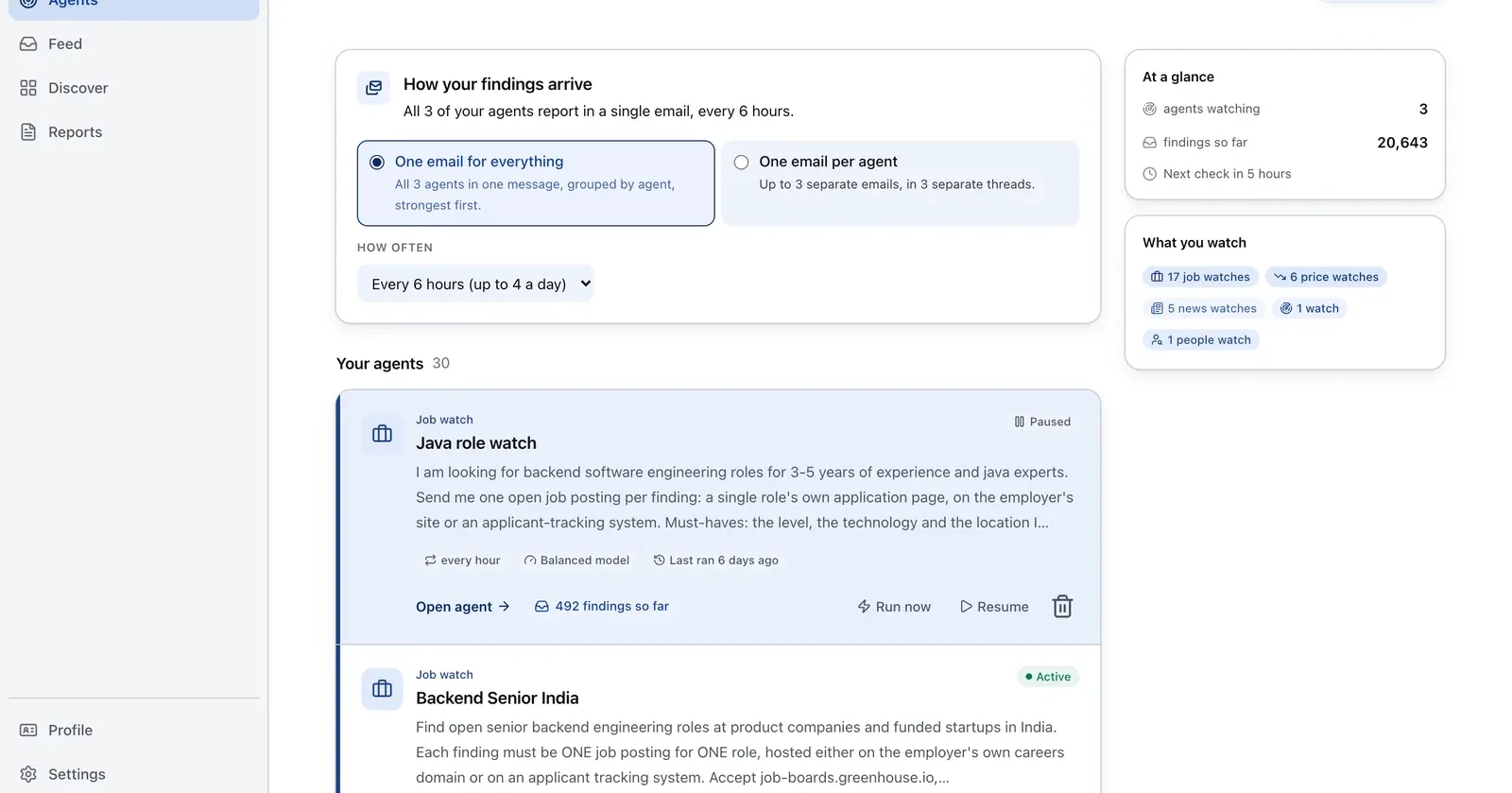
Run it on Parlel
Add accounts with a visible hiring signal to a Pipedrive trial so the test uses real context rather than sample records.
{"agent":"pipedrive-trial-feeder","schedule":"weekly","filters":{"hiring":true,"size":"11-200"},"digest":{"fields":["company","open_roles","pain_hypothesis","stage"],"deliver":"pipedrive_import_csv"}}
Digest: company, open roles, a brief hypothesis, and a suggested first stage. Build the source list in Parlel Explore.
Keep reading
Continue the workflow with three closely related guides: - best crm for startups - sales pipeline template - hubspot alternatives
FAQs
Does Pipedrive have a free plan?
Official product information describes a 14-day trial and no permanent free version.
How much does Pipedrive cost?
It is per-seat pricing with monthly and annual billing. Official pages show conflicting current figures, so verify the live regional pricing page and checkout.
Is Pipedrive better than HubSpot?
It can be better for focused pipeline execution. HubSpot is broader and has a constrained free tier. The answer depends on the workflow and tier being compared.
How many integrations does Pipedrive have?
Its official pages describe hundreds of Marketplace apps, with current pages using different counts. Treat them as listings, not identical native integrations.