ZoomInfo is a B2B data and go-to-market platform with company and contact records, intent, website-visitor identification, integrations, and engagement features. It is not accurate to describe it as having no free entry point: current materials describe ZoomInfo Lite, a permanent free starting option with consumption credits. Paid plans remain custom-quoted and may depend on features, licenses, usage, and integrations.
This comparison was checked against vendor materials on September 26, 2026. It focuses on flexible entry and job fit, not a claim that one database is universally more accurate. “Without enterprise pricing” would be misleading here: ZoomInfo itself now has a free entry point, while some alternatives remain custom-quoted.
TL;DR
- Zoominfo Alternatives is a lean sales operations guide: use it to make one decision, not to collect generic advice.
- Start with the smallest useful version: a next action, an owner, and a system the team will actually maintain; add complexity only when the evidence requires it.
- Treat every claim as either an observation, an estimate, or a hypothesis; do not present a signal as proof.
- Before you publish or act, check the workflow under real records, not a feature list or a polished demo.
- The practical outcome is a dated next step, a clear owner, and a reason to stop or revisit the decision.
Shortlist
| Option | Best for | Pricing or commitment question |
|---|---|---|
| Apollo | Database plus sequences | Current seats, credits, export rules |
| Clay | Multi-source enrichment | Actions, Data Credits, recipe cost |
| Cognism | European and compliance-led prospecting | Custom quote and geography |
| Lusha | Lightweight lookup | Credits, reveals, and export limits |
| LinkedIn Sales Navigator | Social selling and account research | Seat and product tier |
| Attio plus verifier | Relationship-led prospecting | CRM and verifier usage together |
| Signal plus verifier | Small, trigger-based lists | Less TAM breadth, lower commitment |
| ZoomInfo Lite | Try ZoomInfo without an annual contract | Monthly credits and paid upgrade path |
The meaningful differences
Apollo: an all-in-one startup candidate
Apollo combines a contact database with sequencing and sales workflows. It is a reasonable first comparison for a small team that wants database and outreach together. Test email and phone coverage on your own target accounts, and read the credit and export rules. Do not use it as proof that every record is current or as a substitute for verification.
Clay: enrichment, not a like-for-like database
Clay orchestrates multiple data providers and AI research in tables. It is useful when you already have target accounts and want flexible enrichment. Its current Actions and Data Credits pricing is explained in the Clay pricing guide. Do not use it if you want a ready-made searchable database with no workflow ownership.
Cognism: evaluate for European coverage
Cognism is positioned as a compliance-led provider with European coverage. Pricing is custom and should be evaluated with your countries, lawful basis, phone needs, and export workflow. Do not use it without legal and regional review.
Lusha: lighter lookup workflow
Lusha can suit occasional contact lookup when a large platform is unnecessary. Confirm credits per reveal, verification, export, and browser behavior. Do not use it for a high-volume program until a real-account pilot shows acceptable match rates.
LinkedIn Sales Navigator: social context
Sales Navigator is useful for account research, relationship paths, and job changes. It is not the same as a downloadable contact database. Do not use it if you need verified email and phone coverage without another tool.
Attio plus a verifier: relationship-led stack
A lightweight CRM plus a separate verifier may fit a founder who works from warm introductions and a small named-account list. Combine the two costs and operational responsibilities before comparing them with a suite.
Signal plus verifier: narrow but current
A list built from current company signals, followed by verification, can be sensible when you need a small number of relevant accounts rather than broad market coverage. It is not an enterprise database replacement.
ZoomInfo Lite: the corrected free entry point
Current materials describe ZoomInfo Lite as free to start, with no credit card, annual commitment, or expiration, and a limited monthly credit allowance. Another version mentions a Community Edition with more credits. Verify the exact current allowance and what a credit unlocks. Paid ZoomInfo plans remain custom-quoted. Do not use Lite if your need is bulk coverage without usage limits.
The important distinction is free entry versus free scale. The cited current pricing material describes 10 monthly credits for Lite and 25 for the Community Edition, but the allowance and credit action should be checked in the signup flow before publication or purchase. A free account can be useful for a few lookups; it is not evidence that a larger program will remain free.
The 100-account evaluation
Export or list 100 accounts you actually sell to. For each vendor, record email match, phone match, title accuracy, geography, verification status, credits used, export format, CRM push, contract term, and support path. Calculate cost per usable verified record. Then run a small outreach test only where your legal and deliverability requirements permit it. A vendor's database size is not a substitute for this test.
If 100 accounts is too large for a free plan, use the largest sample the plan permits and label the result as a pilot. Keep “not found,” “found but stale,” and “usable” separate. Do not turn a small sample into an accuracy percentage for the whole market.
Who should not use a ZoomInfo alternative
Do not buy a data vendor before defining geography, buyer titles, required fields, lawful outreach basis, and the CRM destination. Do not assume hiring signals prove intent or that a browser extension is equivalent to a full platform. Do not sign an annual contract based on a demo list.
Do not use this comparison if the need is customer support, a general CRM, or broad market research with no contact workflow. A ZoomInfo alternative is still the wrong category when the missing system is qualification or follow-up discipline.
Compare the data job before the vendor
“Alternative” can mean several different things. A database-plus-sequences tool helps find and contact records in one workspace. An enrichment workbench improves records you already have. A social-selling tool helps research people and relationships. A signal-first workflow narrows the account list before a verifier is used. These options should not be judged by database size alone.
| Job | What to test | What a failure looks like |
|---|---|---|
| Find named contacts | Title, geography, email, and phone match | A record exists but is unusable for the target role |
| Enrich known accounts | Domain matching and field completeness | Multiple providers disagree with no review path |
| Find active buying context | Signal freshness and evidence | A broad “intent” label replaces a concrete trigger |
| Execute outreach | Export, CRM push, and consent workflow | Contacts leave the system without ownership |
| Keep data current | Refresh behavior and cost to recheck | The team cannot tell when a field was verified |
Define “usable” before testing: the company is in the target geography, the person holds a relevant role, the contact channel is permitted, and the record can be routed to an owner. Keep “not found,” “found but stale,” “wrong title,” and “usable” as separate outcomes. A vendor that returns more records is not necessarily producing more usable records.
A defensible pilot fixture
Select a small list of real accounts across the geographies and company sizes you sell to. Include companies with more than one plausible buyer, companies with recent public signals, and companies where you already know one contact. Do not use a vendor's demo accounts as your test set. For each vendor, record the search criteria, credits used, fields returned, verification state, export format, CRM behavior, and contract terms.
Illustrative example: a team serving small technology companies may start with 30 accounts showing a current hiring signal. It can compare whether each product finds a relevant leader, a valid domain, and a permitted contact path. The result should be a pilot log, not a market-wide accuracy percentage. If the free allowance cannot support 30 accounts, use the allowed sample and say exactly how many were tested.
Contract and compliance questions
Ask who owns exported data, how long records can be retained, how suppression requests are handled, whether browser access is permitted for the intended workflow, and what support is included. For European outreach or other regulated contexts, involve the person responsible for lawful basis and data handling before sending messages. “Verified” describes a vendor's data process; it does not automatically establish permission to contact someone.
Also ask what happens at renewal, whether unused credits expire, whether a minimum term applies, and whether an integration or export is included in the quoted package. A free tier can be useful for learning the interface while being irrelevant to a team that needs consistent monthly coverage. ZoomInfo Lite itself demonstrates the distinction between low-commitment entry and free scale.
Migration and workflow checklist
- Document the ICP, geography, titles, and required fields.
- Create a source list with stable company domains.
- Run the same fixture through each finalist.
- Inspect duplicates and provider disagreement manually.
- Verify export fields and CRM ownership before buying.
- Define suppression, refresh, and retention rules.
- Start with a bounded contract or pilot where possible.
If a database only supplies names but the team has no qualification or follow-up process, improve the pipeline first. Data is an input to a workflow, not the workflow itself.
The zoominfo alternatives operating standard
This guide is written for a reader who needs to use zoominfo alternatives in a real workflow, not merely understand the definition. The dependable version starts with the decision that must be made, names the evidence available today, and keeps the next step small enough to complete. That is the editorial standard used throughout this guide and across the Parlel library: practical guidance should help a founder, operator, candidate, or freelancer act without hiding uncertainty behind confident language.
Decide what success means before you start
Write the result in one sentence: “After this exercise, I will know whether , and the next action will be .” For zoominfo alternatives, that sentence prevents the most common failure mode — doing more research after the useful question has already been answered. If the work concerns a person, company, role, client, or vendor, record the source and date as you go. If it concerns a template or message, define the recipient, context, and desired response before polishing the wording.
Use a small fixture rather than an abstract example. Pick three to five real records, situations, or drafts and run the method end to end. Keep one case that should succeed, one ambiguous case, and one case that should be rejected. That mix exposes whether the process can distinguish a useful signal from a convenient story. It also gives you material for a later review without pretending that a tiny sample is a benchmark.
Make the work explainable to another person
A high-quality result should survive a handoff. Another person should be able to see what was known at the time, which assumptions were made, what action was taken, and what would change the decision. For this topic, preserve the original input alongside the conclusion. Keep a short “why now” note, the owner, the due date, and the stop condition. This makes zoominfo alternatives useful in an agency-style operating system: the work is repeatable without becoming mechanical, and a reviewer can improve it without rewriting the whole process.
Quality-control pass before you ship
- Intent: Does the page answer the query implied by its title in the first screen?
- Evidence: Are current facts linked to a source, date, or clearly labeled assumption?
- Specificity: Could a reader use the checklist, script, table, or example immediately?
- Boundaries: Does the guide say when the method is a poor fit or should stop?
- Next action: Is there one useful action rather than a pile of competing calls to action?
Those checks matter more than adding another paragraph of general advice. They also protect search quality: the page earns attention by resolving the reader's problem, not by repeating zoominfo alternatives unnaturally. If the evidence is thin, say so and explain how to improve it. If the answer changes by country, role, plan, or company size, make that branch visible instead of burying it in a footnote.
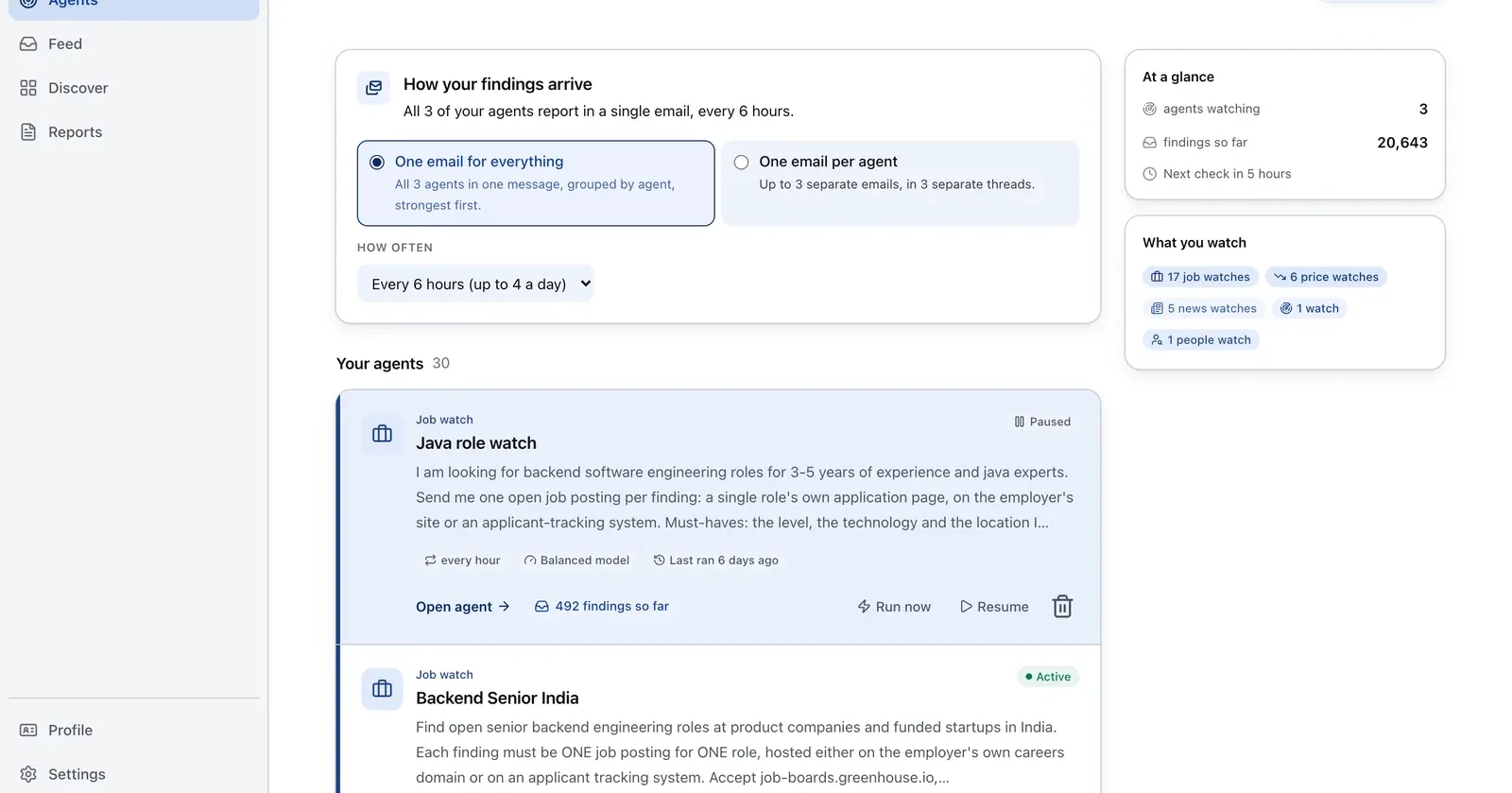
Run it on Parlel
Use fresh hiring signals to reduce the number of accounts sent to a database or enrichment tool.
{"agent":"data-vendor-prefilter","schedule":"weekly","filters":{"hiring":true,"size":"11-200"},"digest":{"fields":["company","domain","open_roles","buyer_hint","pain_hypothesis"],"deliver":"enrichment_ready_csv"}}
Digest: company, domain, open roles, buyer hint, and a hypothesis for verification. Build the list in Parlel Explore.
Keep reading
Continue the workflow with three closely related guides: - clay vs apollo - best crm for startups - b2b contact database
FAQs
Does ZoomInfo have a free plan?
Current materials describe ZoomInfo Lite as a permanent free entry point with limited consumption credits. Paid plans remain custom-quoted.
What is the best ZoomInfo alternative for startups?
Apollo is a reasonable database-plus-sequences candidate. Clay fits technical enrichment. Cognism, Lusha, Sales Navigator, and signal-plus-verifier stacks solve narrower jobs.
Is Clay a replacement for ZoomInfo?
Not directly. Clay is a multi-source enrichment workbench; ZoomInfo is a broader data and GTM platform. Compare the job, coverage, and workflow.