This Notion CRM template is for a founder or very small team that needs structured manual tracking before adopting dedicated sales software. It uses three linked databases: Companies, Contacts, and Deals. Notion templates can be duplicated with “Start with this template” or “Get Template”; the marketplace contains many alternatives, so this version is intentionally optimized for a founder-led sales pipeline rather than presented as the universal best template.
There is no hidden download in this guide: build the schema below in a blank workspace, then duplicate that page for future workspaces. If you are starting from an existing public template, inspect its relations and sample data before adding real records. “Free” describes this schema and Notion’s duplication workflow, not every marketplace listing.
TL;DR
- Notion Crm Template is a lean sales operations guide: use it to make one decision, not to collect generic advice.
- Start with the smallest useful version: a next action, an owner, and a system the team will actually maintain; add complexity only when the evidence requires it.
- Treat every claim as either an observation, an estimate, or a hypothesis; do not present a signal as proof.
- Before you publish or act, check the workflow under real records, not a feature list or a polished demo.
- The practical outcome is a dated next step, a clear owner, and a reason to stop or revisit the decision.
What this template includes
| Database | Property | Type | Purpose |
|---|---|---|---|
| Companies | Name | Title | Account identity |
| Companies | Website | URL | Company reference |
| Companies | Size | Select | Segment accounts |
| Companies | Source | Select | Referral, signal, inbound, outbound |
| Companies | Pain hypothesis | Text | Why this account may care |
| Contacts | Name | Title | Person identity |
| Contacts | Company | Relation | Link person to account |
| Contacts | Role and email | Text/email | Buying context and contact path |
| Deals | Deal | Title | Opportunity identity |
| Deals | Company | Relation | Link opportunity to account |
| Deals | Stage | Select | New, qualified, meeting, proposal, won, lost |
| Deals | Value | Number | Optional commercial estimate |
| Deals | Next step and date | Text/date | Action and deadline |
| Deals | Owner and notes | Person/text | Accountability and history |
Build it in Notion
- Create a page called Sales CRM and add the three full-page databases.
- Create relations from Contacts to Companies and Deals to Companies.
- Add a Deals board grouped by Stage, a Deals table filtered to open work, and a calendar by Next step date.
- Add templates for New deal and Post-meeting. The latter should prompt for a next step, date, owner, and note.
- Import only active records. Map old stages before import rather than preserving ambiguous labels.
First-day setup checklist
Create the page, add the three databases, and make these views before importing anything:
| View | Database | Filter or grouping | Why it exists |
|---|---|---|---|
| Open board | Deals | Group by Stage; exclude Won and Lost | See movement |
| Next seven days | Deals | Next-step date within seven days | Plan follow-up |
| Overdue | Deals | Date before today; open stages only | Repair stalled work |
| Companies by source | Companies | Group by Source | Review acquisition paths |
| Contacts by company | Contacts | Sort by Company | Find relationship context |
Add a database template called “New deal” with blank fields for company, stage, owner, next step, and next-step date. Add a “Post-meeting” template that asks for the buyer’s problem, decision path, objections, next action, and date. A template should make the required update hard to forget, not add decorative properties.
Example record
| Company | Contact | Stage | Next step | Date |
|---|---|---|---|---|
| Acme | Jane Smith, VP Growth | Discovery | Send discovery summary and confirm buyer | 2026-10-02 |
After the call, update the note, stage, owner, and next-step date. A deal is not “updated” merely because a meeting happened. The next action is the useful state.
For example, do not leave a deal at “Discovery” with a note that says “good call.” Replace it with “Qualified; send security questionnaire to Jane by 2026-10-02; Jane will confirm technical reviewer.” That sentence gives the next person enough context to act.
Operating rules
Every open deal needs a dated next step. Use a Monday view for overdue items and choose one action: advance, re-date with a concrete reason, or mark lost. Record a lost reason such as price, timing, fit, or no response. Keep notes newest first. Do not turn the workspace into a general notes archive; unrelated pages make the pipeline harder to operate.
When Notion is enough
Notion can be enough when the process is manual, the team is small, and the main need is flexible records and views. It is useful while stages are still changing. The free template is not a replacement for automated sequences, reliable email logging, advanced permissions, or sales forecasting. Those are decision triggers, not claims about a universal Notion limit.
How to graduate
Move to a dedicated CRM when reminders are routinely missed, multiple people need role-based access, email history must be automatic, reporting needs joins, or manual triage consumes selling time. Export Companies, Contacts, and Deals separately and retain stable IDs so relations can be rebuilt. The free CRM tools and Pipedrive review guides cover possible destinations.
Before moving, export a test page and confirm that relations, dates, owners, and notes are readable outside Notion. Keep the field names stable during the experiment. A smaller clean migration is usually easier to validate than importing every old note and hoping the new tool can interpret it.
A lightweight activity log, only when needed
Start with notes on the Deal page. Add an Activities database only if you need a separate timeline, recurring activity views, or reporting across calls and emails. If you add it, use these properties: Activity, Deal relation, Company relation, Type, Date, Owner, Outcome, and Next step. Relate each activity to a deal and keep the next-step date on the deal itself so the board does not depend on reading every note.
Do not build automations before the manual flow is clear. A reminder can point to an empty record just as easily as to a useful action. First prove that the team can create, update, advance, and close a deal consistently. Then decide whether a button, template, or integration removes a real repeated task.
Who should not use this template
Do not use Notion as the primary sales system for a large team, a high-volume outbound operation, or a regulated workflow that needs audit controls. Do not use it if nobody will own the weekly overdue review. A template does not create follow-up discipline by itself.
Pick the lightest version first
There are three sensible ways to use this template. A contact notebook needs Companies and Contacts, with notes on each person. A founder pipeline adds Deals, stages, owners, and next-step dates. A small sales operation may add Activities and a handoff view. Start with the middle version unless you can name the problem the extra database solves.
| Version | Include | Choose it when | Avoid it when |
|---|---|---|---|
| Relationship notebook | Companies, Contacts, notes | Introductions matter before opportunities | Deals already need ownership |
| Founder pipeline | Companies, Contacts, Deals | A small team needs next actions | Automated activity capture is required |
| Sales workspace | Add Activities and handoff views | Several people share follow-up | Nobody will maintain relations |
The temptation with Notion is to model every kind of work immediately. Resist it. A page that asks for company, contact, stage, next step, date, and owner can be operated after a conversation. A page with fifteen optional properties becomes a note-taking exercise.
Worked walkthrough: one deal from signal to close
This example is illustrative. A company called Acme appears in a public hiring signal. Create Acme in Companies, add Jane Smith in Contacts, relate her to Acme, and create a Deal called “Acme growth hiring support.” Set the stage to New and add the source and pain hypothesis. After a relevant conversation, update the stage only if the buyer, problem, and next conversation are known. Add the next action: “Send discovery summary and confirm technical reviewer,” with a date and owner.
If Acme requests a proposal, move to Proposal and attach the scope reference or link. If the buyer declines, set Lost, record a reason, and remove it from the open board. If Acme signs, set Won and add the handoff owner and first-value action. The value of this sequence is not the labels. It is the evidence that makes the record useful to somebody who was not on the call.
Quality checks before sharing
Use a duplicate workspace or test page first. Confirm that each relation points to the intended database, that a board filter excludes Won and Lost, and that the overdue view does not show closed work. Create a test user or ask a collaborator to update a record. Check whether they can see the fields they need and whether a person can accidentally change a stage without recording a next step.
Before adding real data, decide who can edit the schema, who can add a company, and who resolves duplicates. Normalize company names and domains. Do not store a private API key, sensitive client material, or regulated records in a public template page. The word “free” describes the starting schema, not the risk of the information you put into it.
Migration checklist
- Export the source system and retain an untouched copy.
- Map companies, contacts, deals, and activities separately.
- Preserve a stable source ID in a temporary property.
- Import five records and verify every relation by hand.
- Add only active opportunities to the live workspace.
- Ask an operator to complete the next-step and close-workflow test.
- Set a review date for whether Notion remains sufficient.
If you later move to a dedicated CRM, export each database and keep the relation keys. Do not assume a CSV export reconstructs every page relation or comment. Readability and actionability matter more than preserving every block exactly.
The notion crm template operating standard
This guide is written for a reader who needs to use notion crm template in a real workflow, not merely understand the definition. The dependable version starts with the decision that must be made, names the evidence available today, and keeps the next step small enough to complete. That is the editorial standard used throughout this guide and across the Parlel library: practical guidance should help a founder, operator, candidate, or freelancer act without hiding uncertainty behind confident language.
Decide what success means before you start
Write the result in one sentence: “After this exercise, I will know whether , and the next action will be .” For notion crm template, that sentence prevents the most common failure mode — doing more research after the useful question has already been answered. If the work concerns a person, company, role, client, or vendor, record the source and date as you go. If it concerns a template or message, define the recipient, context, and desired response before polishing the wording.
Use a small fixture rather than an abstract example. Pick three to five real records, situations, or drafts and run the method end to end. Keep one case that should succeed, one ambiguous case, and one case that should be rejected. That mix exposes whether the process can distinguish a useful signal from a convenient story. It also gives you material for a later review without pretending that a tiny sample is a benchmark.
Make the work explainable to another person
A high-quality result should survive a handoff. Another person should be able to see what was known at the time, which assumptions were made, what action was taken, and what would change the decision. For this topic, preserve the original input alongside the conclusion. Keep a short “why now” note, the owner, the due date, and the stop condition. This makes notion crm template useful in an agency-style operating system: the work is repeatable without becoming mechanical, and a reviewer can improve it without rewriting the whole process.
Quality-control pass before you ship
- Intent: Does the page answer the query implied by its title in the first screen?
- Evidence: Are current facts linked to a source, date, or clearly labeled assumption?
- Specificity: Could a reader use the checklist, script, table, or example immediately?
- Boundaries: Does the guide say when the method is a poor fit or should stop?
- Next action: Is there one useful action rather than a pile of competing calls to action?
Those checks matter more than adding another paragraph of general advice. They also protect search quality: the page earns attention by resolving the reader's problem, not by repeating notion crm template unnaturally. If the evidence is thin, say so and explain how to improve it. If the answer changes by country, role, plan, or company size, make that branch visible instead of burying it in a footnote.
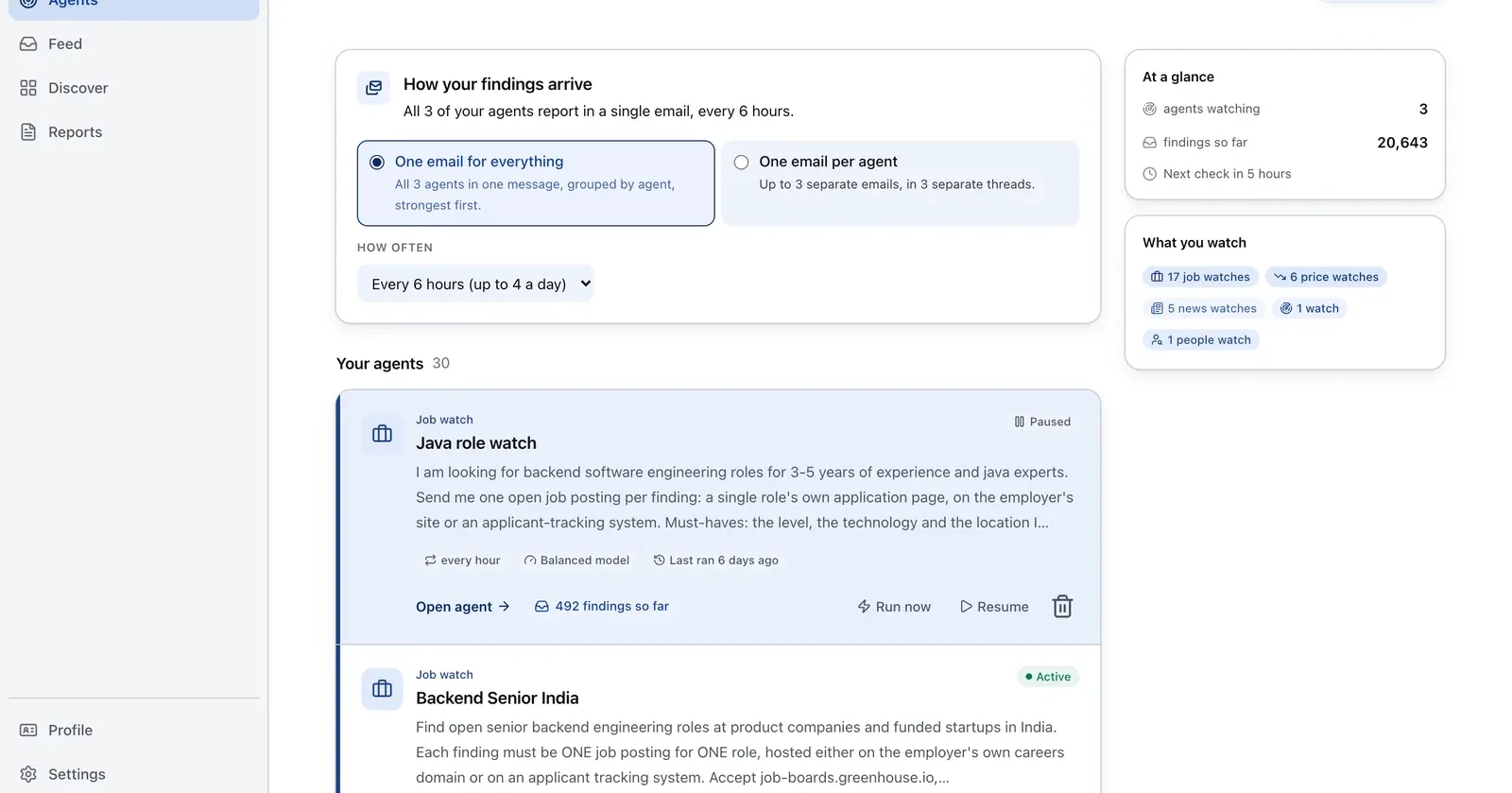
Run it on Parlel
Use hiring signals to populate the Companies database with a reason for each row.
{"agent":"notion-company-feeder","schedule":"weekly","filters":{"hiring":true,"size":"11-200"},"digest":{"fields":["company","website","size","open_roles","pain_hypothesis"],"deliver":"notion_import_csv"}}
Digest: one company row with website, size, open roles, and a hypothesis. Start the list in Parlel Explore.
Keep reading
Continue the workflow with three closely related guides: - free crm - spreadsheet crm template - sales pipeline template
FAQs
Is Notion a real CRM?
It can function as a lightweight manual CRM. It should be treated as a pre-CRM when you need automation, email logging, permissions, or mature reporting.
What databases does a Notion CRM need?
Companies, Contacts, and Deals cover the core. Add a separate activity database only when notes and views no longer suffice.
Can Notion automate follow-ups?
Date views and reminders can support manual work, but do not assume Notion provides the sequences and activity automation of a dedicated CRM.